
It’s 6:45 PM. Doors open in 15 minutes. There’s a line outside, someone has a promo code question, and your walk-up sales are happening in a system that does not talk to your online presales.
That’s what happens when onsite ticket sales get treated like a backup plan instead of a real revenue channel.
Onsite sales affect inventory, fees, attendee data, promo codes, add-ons, check-in speed, and the guest experience at the door. Here’s how to run them without overselling, slowing down the gate, or losing walk-up buyers after the event.
What Onsite Ticket Sales Actually Are (And Why They Still Matter in 2026)
Onsite ticket sales are any ticket transaction that happens at the event: walk-up buyers, door sales, and hybrid setups where organizers hold some capacity for day-of purchases.
Some attendees decide late. Some bring friends. Some walk up because the event looked worth it. The problem isn’t that people still buy at the door.
The problem is treating those sales like they live outside the rest of your ticketing setup.
A cash box captures little to no data. A separate payment terminal may process the sale, but it doesn’t update inventory, apply promo rules, or feed your attendee list.
Onsite ticketing should work with your online sales system, not beside it. Same inventory. Same promo logic. Same attendee database. Same reporting.
The TicketSpice Box Office App is built for exactly that: onsite and online sales working together instead of acting like two strangers forced to share a folding table.
Two Onsite Sales Models: QR Self-Checkout vs. Staff-Run POS
Most onsite sales fall into one of two models.
📱 QR self-checkout: Best for lower-volume events or casual entry. Buyers scan a sign, complete checkout on their phone, and receive a ticket. It keeps staffing light, but it can slow down during a rush.
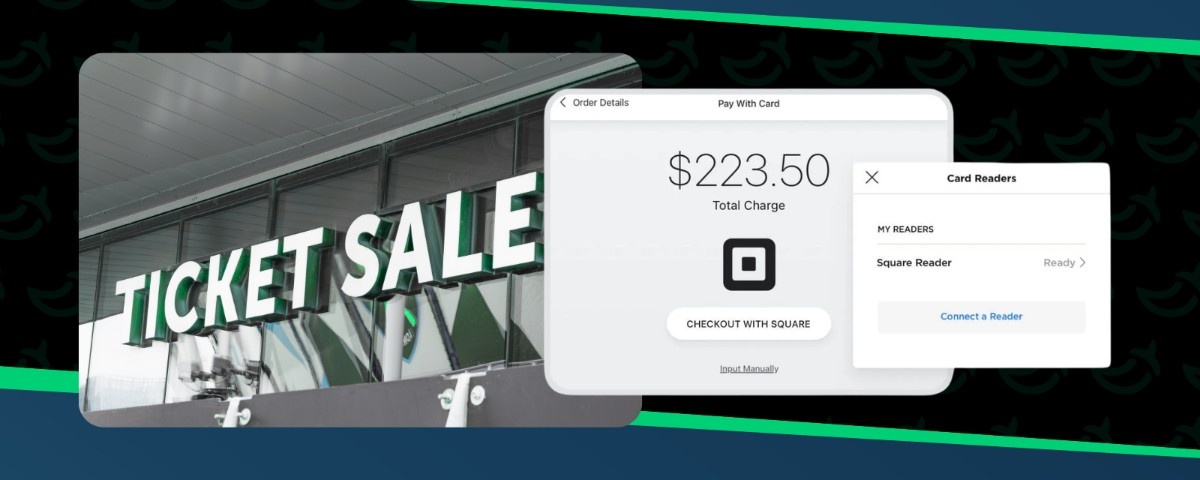
🎟️ Staff-run POS: Better for higher-volume gates, hard start times, and arrival waves. Staff process the sale, the buyer pays, and the line keeps moving.
If walk-up volume is light, QR checkout may be enough. If you expect a rush before doors open, staff-run POS is usually safer. TicketSpice supports both, so organizers can choose the setup that fits the event.
Keeping Online and Onsite Inventory Synced in Real Time
Here is the oversell scenario nobody wants.
You sold most tickets online. Your door team keeps selling walk-up tickets in a separate system. The venue has a hard capacity limit. Nobody realizes the two systems are counting separately until it is too late.
Now you have a line, a capacity issue, and several people looking at you like this was all very avoidable… because it was.
Online presales and onsite sales should pull from the same live inventory. When someone buys at the gate, the available ticket count should update everywhere.
When inventory is disconnected, your team can:
🚨 Oversell a ticket type
🙃 Lose track of what is still available
📉 End the event with reports that do not match reality
If you want to hold tickets for walk-up buyers, do it inside the same system.
For more on building the online presale side of your ticketing setup, see how to sell tickets for your event online.
What Onsite Ticket Sales Actually Costs
Onsite sales can make you money. Fees can quietly take a chunk of it back.
That is why organizers need to look at the full cost per onsite ticket, not just the payment processing rate. Percentage-based fees grow as your ticket price grows, which matters when you sell premium tickets, VIP upgrades, or higher-priced walk-up tickets.
Before choosing an onsite ticketing setup, ask:
💸 What is the all-in fee per onsite ticket?
📈 Do fees increase with higher ticket prices?
🎟️ Are promo codes, add-ons, reporting, and onsite sales included?
⏱️ How quickly can I access sales and attendance data?
If the answer is not clear, there’s your answer.
For more help evaluating ticketing platform costs, features, and fine print, see our guide to questions to ask your ticketing provider.
Branded Onsite Checkout: Why the Door Experience Reflects Your Event, Not Your Platform
The door is one of the most visible moments of your event.
People are arriving, buying, scanning, asking questions, and forming opinions fast. That is not the moment for your ticketing platform to make itself the star of the show.
Your onsite checkout should feel like your event, from the POS screen to the ticket, confirmation, and receipt.
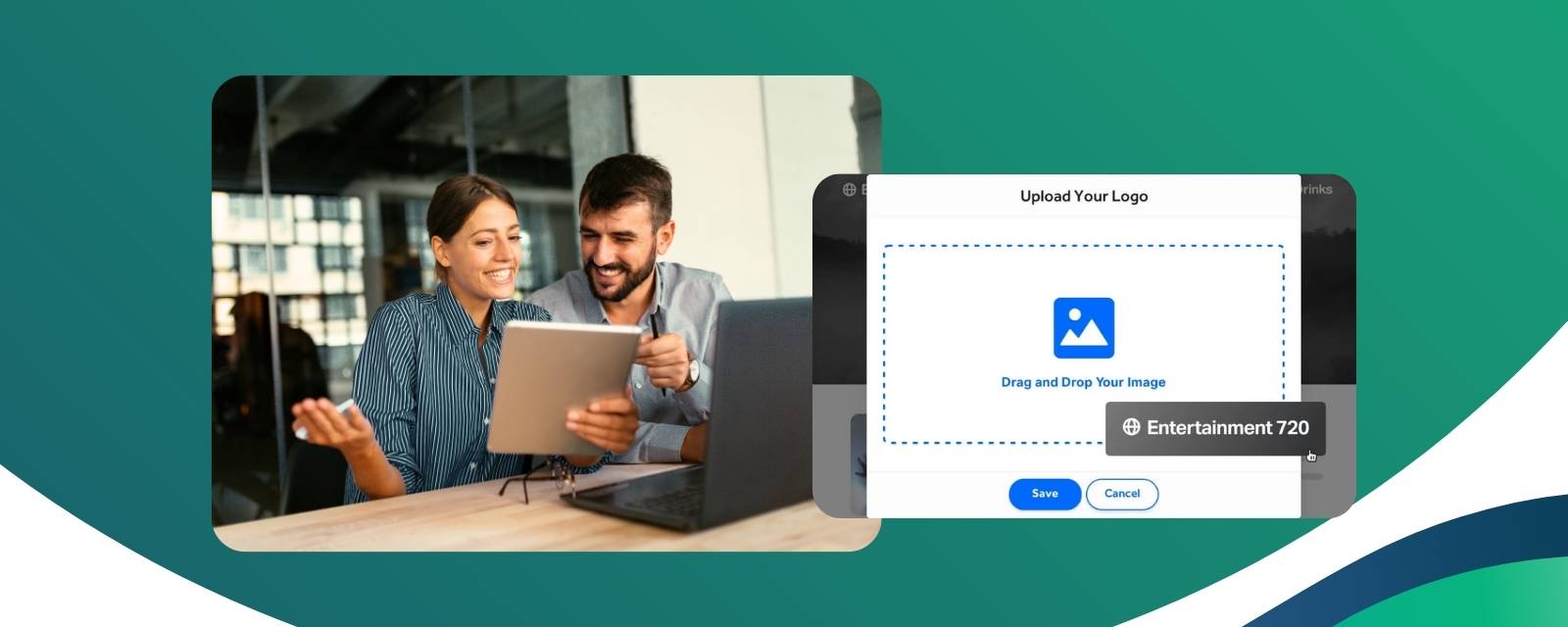
If your online ticketing page is branded but your onsite checkout feels generic, the attendee experience gets split in half. TicketSpice keeps onsite checkout branded to the event, so the door experience feels like part of the same operation.
Applying Promo Codes and Discounts at the Door
Promo codes need to work just as clearly at the gate as they do online.
A walk-up buyer may have a code from an email. A group may expect the group rate. Someone may try to use an expired offer because, well, people are people.
Your onsite POS needs to handle that cleanly.
A good onsite promo setup should let staff:
✅ Apply valid promo codes at the door
⏳ Enforce expiration dates automatically
🔒 Respect redemption limits
👥 Handle group purchases in one transaction
It should also keep staff from making judgment calls in the middle of a line. If a code expired Thursday, staff should not have to guess, negotiate, or become the villain in someone’s night. The system should apply the rules clearly.
For a full breakdown, see our guide to discount codes for event tickets.
Collecting Attendee Data from Walk-Up Buyers
Walk-up buyers are still buyers.
That sounds obvious, but plenty of events treat them like one-time transactions. They pay at the door, enter the event, and disappear from future marketing forever.
Onsite checkout should capture enough data to make follow-up possible without slowing down the line. Keep it short:
👤 Name
📧 Email
🎟️ Ticket type
👥 Party size, if useful
A 12-field form at the gate is not a data strategy. It’s a line-forming machine.
When walk-up buyers are captured in the same attendee database as online buyers, you can follow up with early-bird offers, win-back campaigns, surveys, and next-event announcements.
For more on using attendee data after the event, see our guide on email drip campaigns for ticket sales.
Add-Ons and Upsells at the Onsite POS
The gate is not just a place to sell admission. It can also increase order value.
Buyers standing at the door have already decided to attend. That makes onsite add-ons useful, as long as the offer is clear and easy to accept.
Useful onsite add-ons can include:
🅿️ Parking passes
⭐ VIP upgrades
🍔 Meal or drink packages
🛍️ Merch bundles
🚪 Premium access or priority entry
The key is speed. Add-ons should appear naturally during checkout, not require staff to dig through menus while the line grows behind them.
For more on building these offers, see our guide to ticket add-ons and upsells.
Staffing and Running Onsite Sales on Event Day
Onsite ticket sales need a plan before the first buyer walks up.
Before doors open, make sure devices are charged, logged in, connected, and synced to the live event. Then assign clear roles.
A simple gate setup might include:
📲 Scanner for presold tickets
💳 POS operator for walk-up sales
👋 Greeter to direct attendees to the right lane
Do not make one person handle scanning, new sales, promo questions, and confused guests during a rush. That’s exactly how mistakes get promoted to the front of the line.
Plan around peak arrival, not average attendance. Also have a backup plan for connectivity before the network decides to become part of the entertainment.
After the event, review walk-up transactions, add-ons, promo codes, revenue by ticket type, and check-in activity. If you are combining two spreadsheets by hand, your system is making you work too hard.
FAQs
What is the difference between onsite ticket sales and online presales?
Online presales happen before the event through your event page or checkout flow. Onsite ticket sales happen at the event through a box office app, staff-run POS, or QR self-checkout. Ideally, both pull from the same inventory.
What hardware do I need for onsite ticket sales?
Most modern box office apps run on standard smartphones or tablets. For card payments, you may need a compatible card reader.
How do I prevent overselling when combining onsite and online ticket sales?
Use one platform for both channels. Online and onsite sales should pull from the same live inventory pool, so every transaction updates availability in real time.
Can TicketSpice handle both online and onsite ticket sales?
Yes. TicketSpice supports online ticket sales, onsite box office sales, QR self-checkout, promo codes, add-ons, check-in, and attendee reporting, so organizers can manage both presale and walk-up buyers in one system.
Is Your Onsite Sales Setup Ready? Here’s the Test
Before your next event, run a real onsite sales test.
Create a walk-up ticket. Add a promo code with an expiration date and redemption limit. Add one onsite upsell. Process a test transaction from a mobile device. Check that inventory updates, reporting works, and the buyer lands in your attendee list.
If that feels clunky during testing, it will not magically become smooth when there are 60 people waiting at the gate.
A strong onsite sales setup should help your team sell at the door, keep inventory synced, apply promo codes correctly, capture attendee data, and review online and onsite sales together after the event.
TicketSpice Box Office App brings those pieces into one system, so walk-up sales do not become a separate mess your team has to clean up later.
Ready to make onsite sales feel less like a fire drill? You can get started with TicketSpice today or reach out to our support team with questions.
We’re here to help you keep the gate moving, capture more revenue, and run cleaner event-day sales.
— The TicketSpice Team