



Experience a Demo of TicketSpice

Watch an instant demo of our best ticketing features or register for a custom VIP demo for larger events & attractions.

The TicketSpice demo covers everything from creating your ticketing page, to managing attendees, reporting, and on-site ticket scanning.

On-Demand Demo
On-Demand Demo
VIP Demo
VIP Demo
G2 logo.
Capterra logo with colorful paper airplane icon.

Rated 4.8/5 - from over 500 reviews

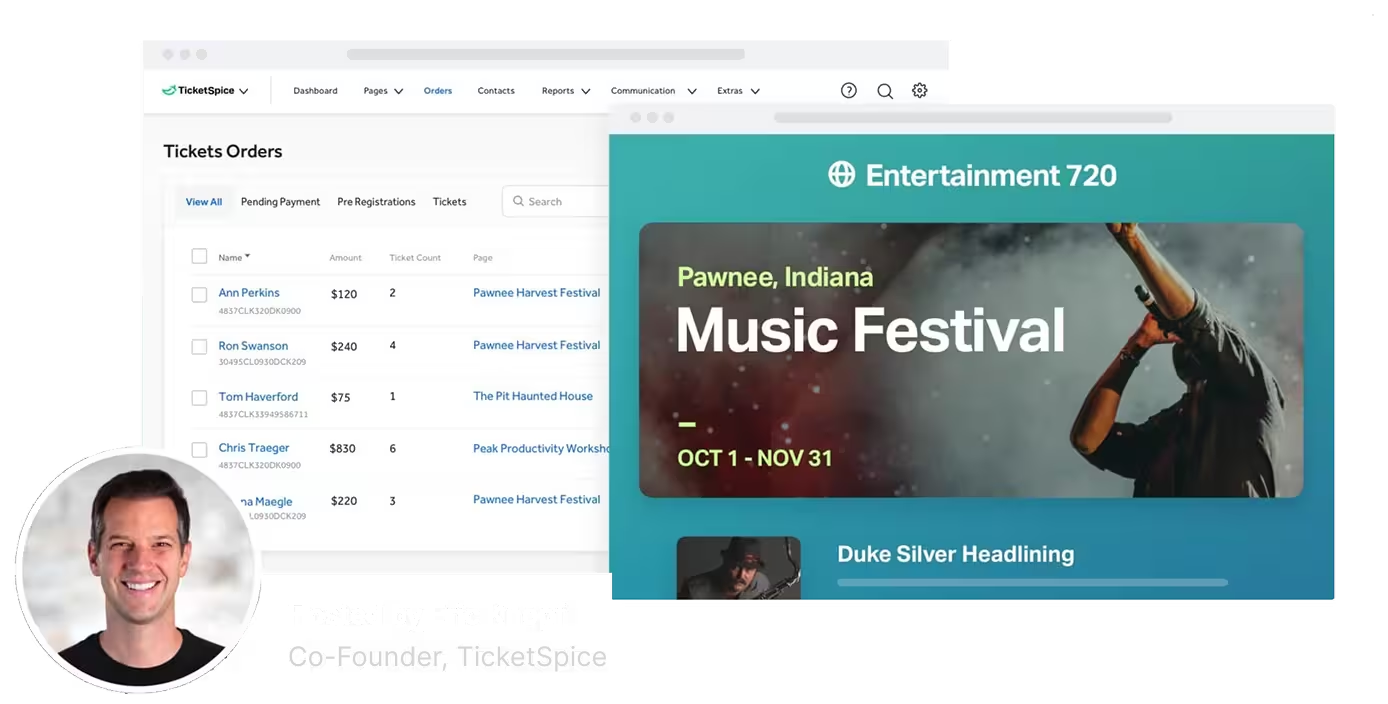
Screenshot of TicketSpice dashboard showing ticket orders and a music festival event page for Pawnee, Indiana, hosted by Eric Knopf.

The Best Box Office App for Onsite Ticket Sales and Operations

Sell tickets onsite. Keep guests moving.
‍

TicketSpice’s easy-to-use Box Office app helps your team sell tickets, merchandise, and memberships, accept payments, and check in guests. Onsite sales sync with your online ticketing page in real time, keeping inventory and capacity limits up to date.

Custom box office overrides

The box office app empowers you to customize how you sell tickets on-site and at which price points.

‍

When creating ticket levels for your event, you can specify box-office only pricing to track sales and inventory in one place.

‍

Need to hide or show speciality ticket levels in the box office? No problem. Simply mark which ticket levels can be sold on-site and you are set.
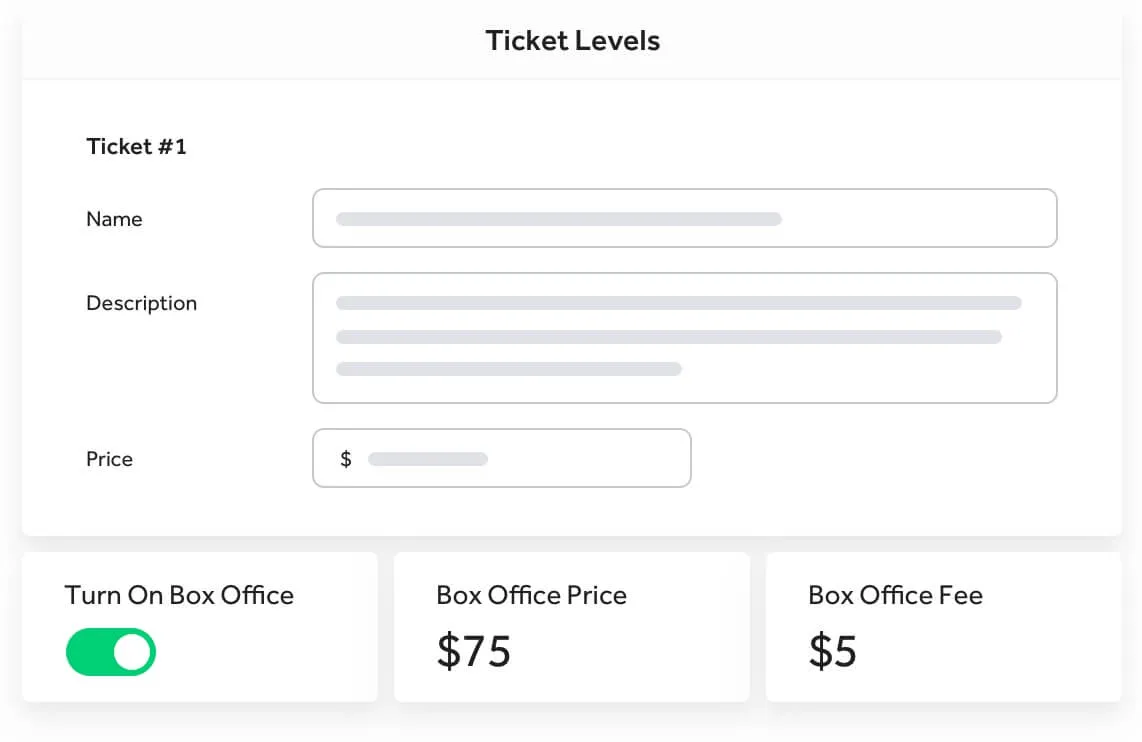
a screenshot of a ticket

Cash management and cashier reporting

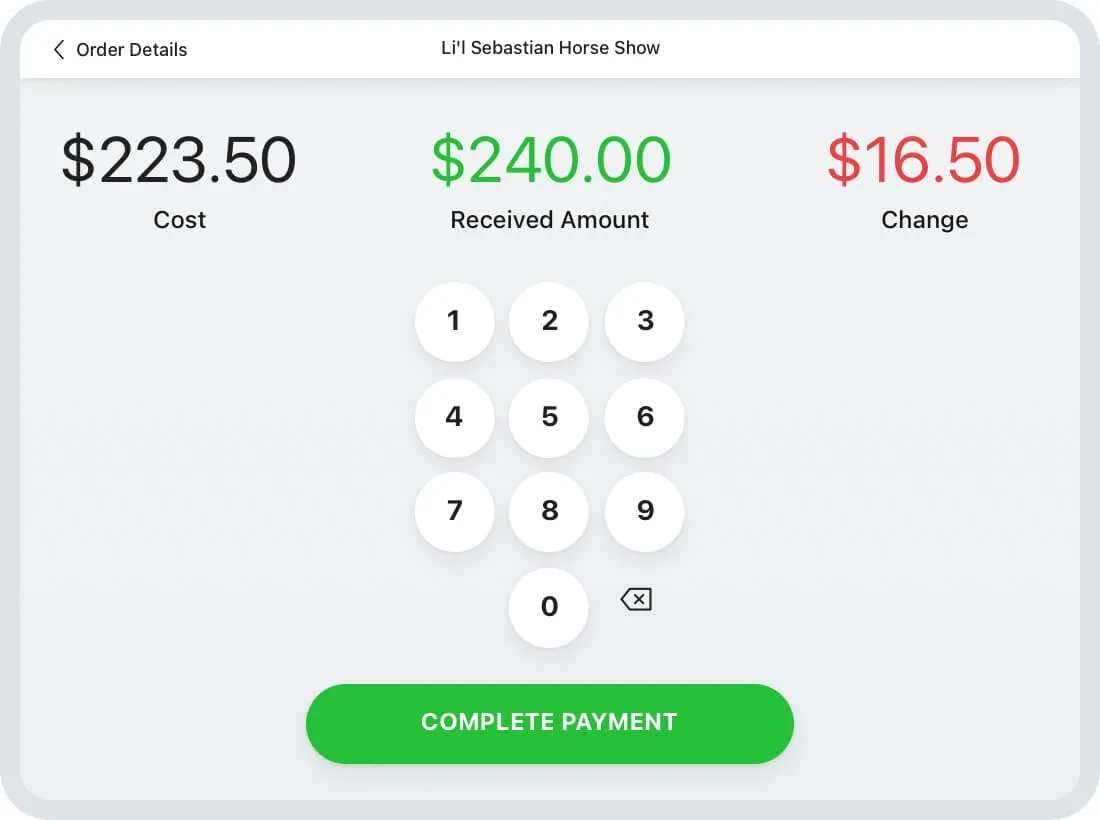
If you're managing a cash box for onsite ticket sales, you'll need detailed reports for opening and ending cash balances.
‍
TicketSpice makes reconciling cash simple with built-in cash tracking and cashier reporting. The Box Office app also supports compatible cash drawers, receipt printers, and ticket printers. Plus, TicketSpice tracks each team member’s sales by payment type and generates detailed sales reports.

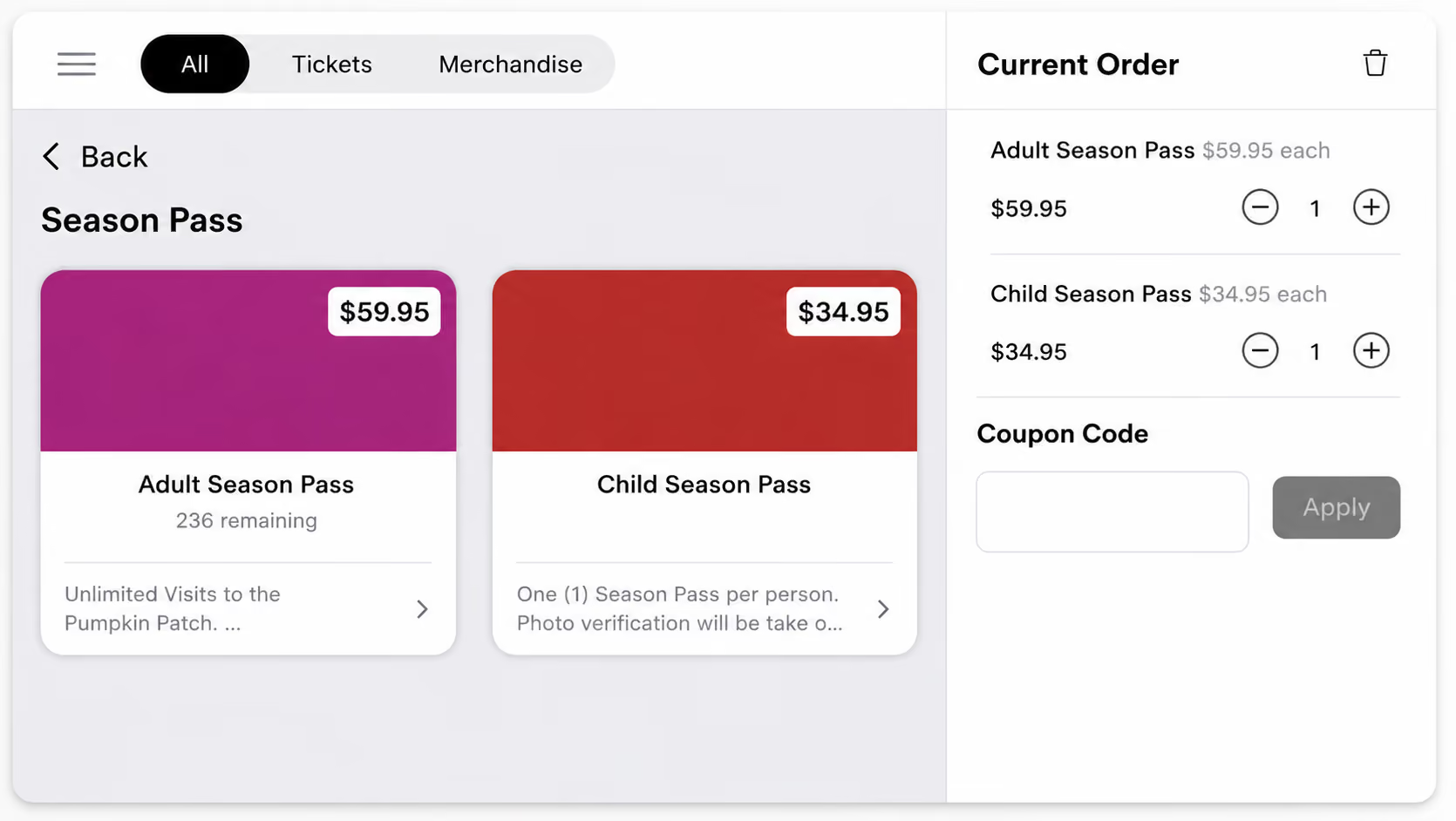
a screenshot of a payment screen

Onsite printing support

In addition to supporting text-message delivery of onsite ticket sales, the TicketSpice Box Office app syncs with popular Bluetooth receipt printers to generate tickets and receipts onsite.
‍

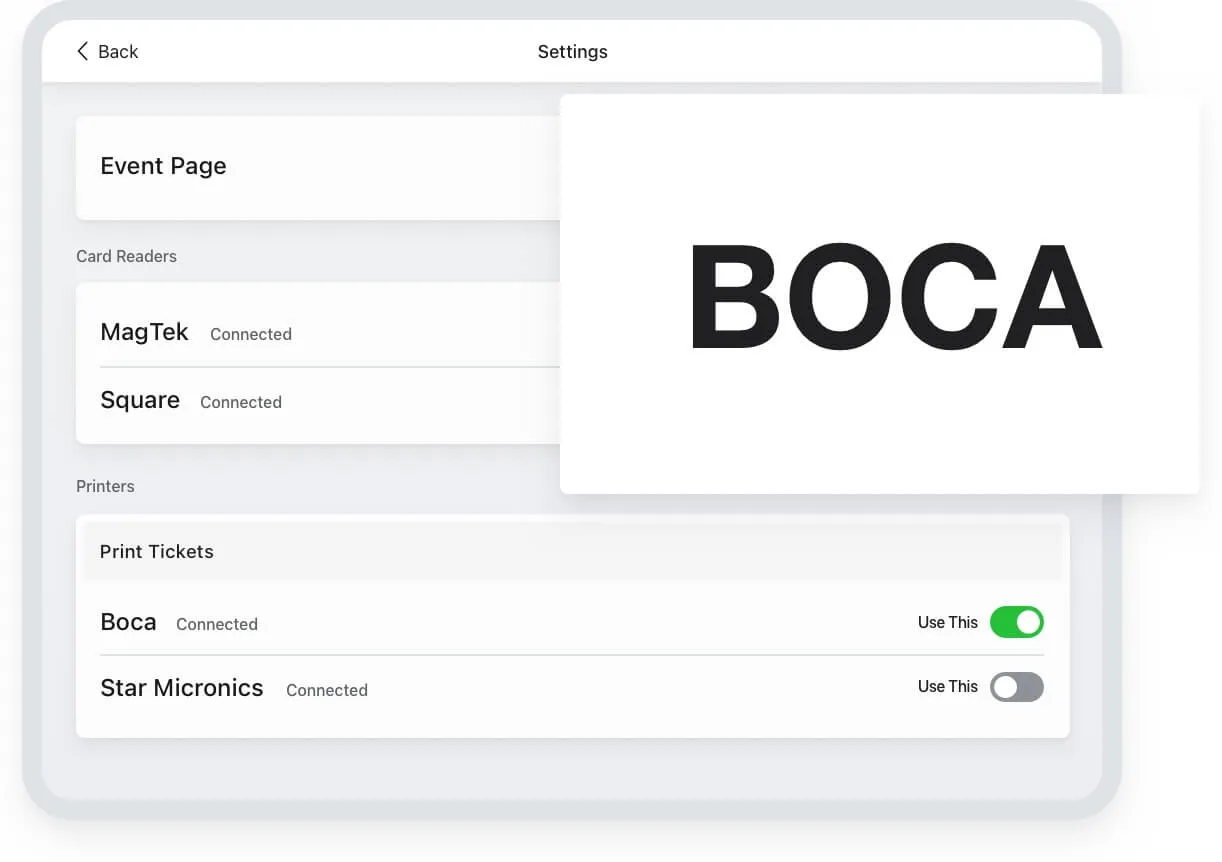
The TicketSpice Box Office app supports text-message ticket delivery and connects with compatible receipt printers, ticket printers, cash drawers, and MagTek, Square, and NYC1 card readers for a flexible onsite setup.

a screenshot of a computer

Turn your iPad into a self-service kiosk

Need to move guests through faster? Turn an iPad into a self-service kiosk where guests can purchase tickets or scan an existing order’s QR code to select tickets and check themselves in.
‍

Connected printers can automatically print tickets or wristbands while sales, inventory, reporting, and admissions stay synchronized in TicketSpice.

The Box Office App is just one reason why TicketSpice is the best event ticketing platform today.

  • Frame

    Simple and easy to Use

    Start selling tickets on-site by downloading the free box office app from the App Store.

  • Integrations

    Synchonized with online payments

    All your sales data from online to onsite is synchronized and centralized.

  • Frame

    Tap-to-pay payments

    Accept contactless payments with tap-enabled credit cards, Apple Pay, and Google Pay.

  • Order, Refund, and Sales Controls

    Look up orders, scan tickets, issue refunds, void transactions, and monitor sales and merchandise inventory directly from the app.

  • Frame

    Cashier and cash tracking

    Manage a cash box and track opening and ending cash as well as generate cashier sales reports.

  • Self-Service Check-In

    Let guests scan an existing order’s QR code, select their tickets, and check themselves in.

  • Ticket and Wristband Printing

    Print custom hard stock tickets or admission wristbands directly from the Box Office app with compatible Boca printers.

  • Memberships and Waivers

    Sell memberships and handle waivers onsite, including options to send waivers by text, complete them in person, or allow staff overrides.

Join a TicketSpice Demo

Seeing is believing. Attend a demo and check out online and on-site ticketing with TicketSpice. You’ll learn to use the ticketing page builder, manage attendees, run reports, and more.

Attend a Demo
Attend a Demo
a man smiling for a picture
Portrait of Eric Knopf, CEO and Co-Founder of Ticketspice, smiling and wearing a light gray button-up shirt.
Eric Knopf, CEO
Black modern electric trick scooter parked on a sidewalk near a wall with shadow.
Blurred abstract image with teal and green tones and horizontal streaks on the right side.
a black play button in a white circle