Experience a Demo of TicketSpice

Watch an instant demo of our best ticketing features or register for a custom VIP demo for larger events & attractions.

The TicketSpice demo covers everything from creating your ticketing page, to managing attendees, reporting, and on-site ticket scanning.

On-Demand Demo
On-Demand Demo
VIP Demo
VIP Demo
G2 logo.
Capterra logo with colorful paper airplane icon.

Rated 4.9/5 - from over 500 reviews

  • G2 Fall 2025 High Performer Enterprise badge with red and yellow chevron accents.
  • G2 badge for Best Results in Small Business, Fall 2025.
  • G2 Fall 2025 High Performer Mid-Market badge with red and yellow chevron design.
  • G2 Fall 2025 badge for Best Support in Enterprise category.
Screenshot of TicketSpice dashboard showing ticket orders and a music festival event page for Pawnee, Indiana, hosted by Eric Knopf.

Password Protected Event Ticketing Pages

Restrict access to select attendees with TicketSpice event pages. This is perfect for exclusive or private events where you need to limit who can access and buy tickets.

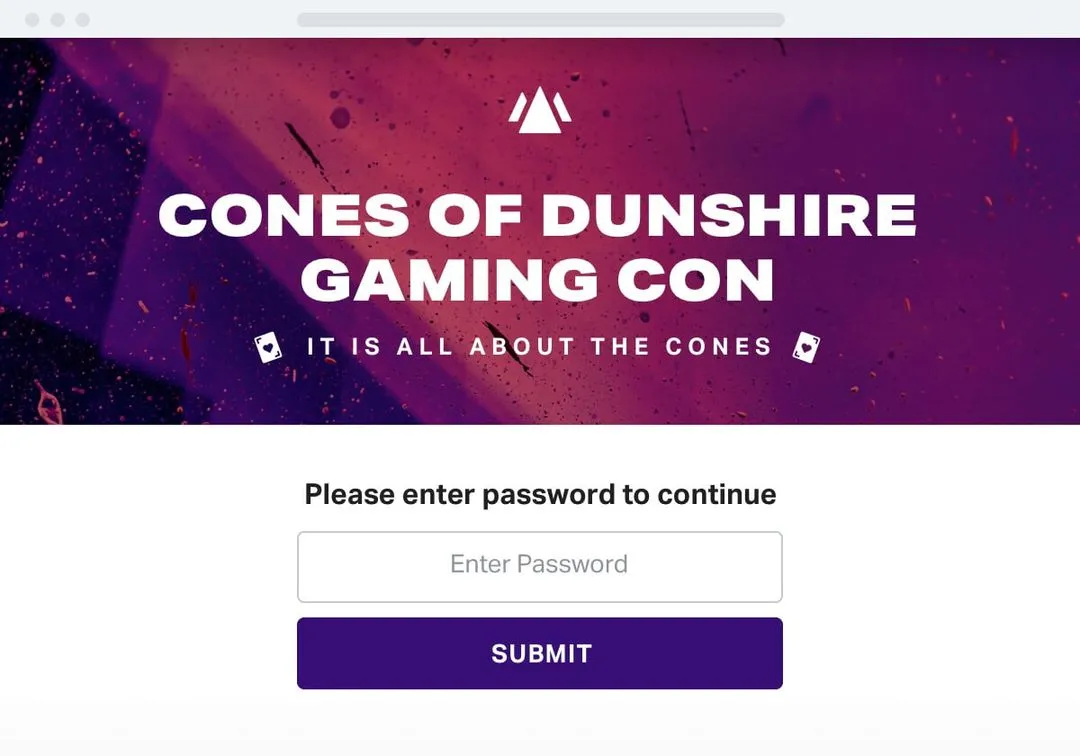
a screenshot of a login

Password protect your event

Restrict your event with a password that you selectively provide to pre-approved guests. Without the password, others are prohibited from viewing or purchasing tickets to your event.


a screenshot of a login page

Event ticketing authentication

Validate a pre-approved attendee to see your event ticketing page using OAuth2 - which can share authentication with your own system. This is perfect for validating members, restricting access to internal employees, or verifying enrollment status.
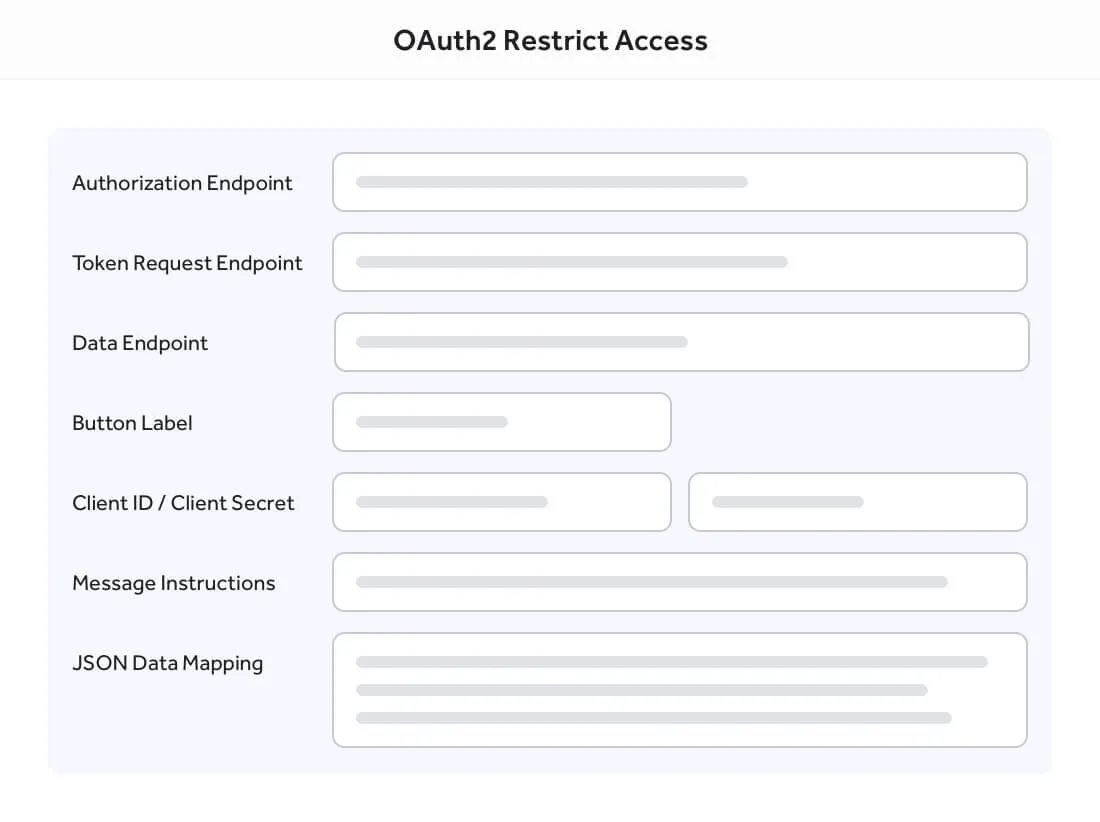
a screenshot of a computer

Restricted access is just one reason why TicketSpice is the best event ticketing platform on the market today.

  • message chat circle

    Keep private events private

    Only allow select guests to view and access your ticketing page.

  • zap

    Password protection

    Create a password protected event ticketing page and share the password with approved guests.

  • chart breakout square

    OAuth 2 integration

    Validate identify and status using OAuth2 to permit access to your ticketing page.

  • message smile circle

    Advanced logic rules

    Use conditional logic to apply rules to validate and pre-approve specific guests.

Join a TicketSpice Demo

Seeing is believing. Attend a demo and check out event ticketing with TicketSpice. You’ll learn to use the ticketing page builder, manage attendees, run reports, and more.

Attend a Demo
Attend a Demo
a man smiling for a picture
Portrait of Eric Knopf, CEO and Co-Founder of Ticketspice, smiling and wearing a light gray button-up shirt.
Black modern electric trick scooter parked on a sidewalk near a wall with shadow.
Blurred abstract image with teal and green tones and horizontal streaks on the right side.
a black play button in a white circle