Experience a Demo of TicketSpice

Watch an instant demo of our best ticketing features or register for a custom VIP demo for larger events & attractions.

The TicketSpice demo covers everything from creating your ticketing page, to managing attendees, reporting, and on-site ticket scanning.

On-Demand Demo
On-Demand Demo
VIP Demo
VIP Demo
G2 logo.
Capterra logo with colorful paper airplane icon.

Rated 4.9/5 - from over 500 reviews

  • G2 Fall 2025 High Performer Enterprise badge with red and yellow chevron accents.
  • G2 badge for Best Results in Small Business, Fall 2025.
  • G2 Fall 2025 High Performer Mid-Market badge with red and yellow chevron design.
  • G2 Fall 2025 badge for Best Support in Enterprise category.
Screenshot of TicketSpice dashboard showing ticket orders and a music festival event page for Pawnee, Indiana, hosted by Eric Knopf.

Smash Onsite Sales Records with Mobile Pay Pass

Did you know cashless payment systems have been shown to increase onsite sales by 30%?

Mobile Pay Pass makes onsite cashless payments easier than ever. Each ticket holder can use their personal QR code to make onsite purchases in seconds.

No More Hassles On-site

If you sell anything onsite—products, merchandise, attractions, or experiences—you’re already familiar with the many hassles that come along with onsite vending. No attendee wants to waste their fleeting festival minutes standing in line for the kiosk when they could be squealing with delight on the roller coaster.
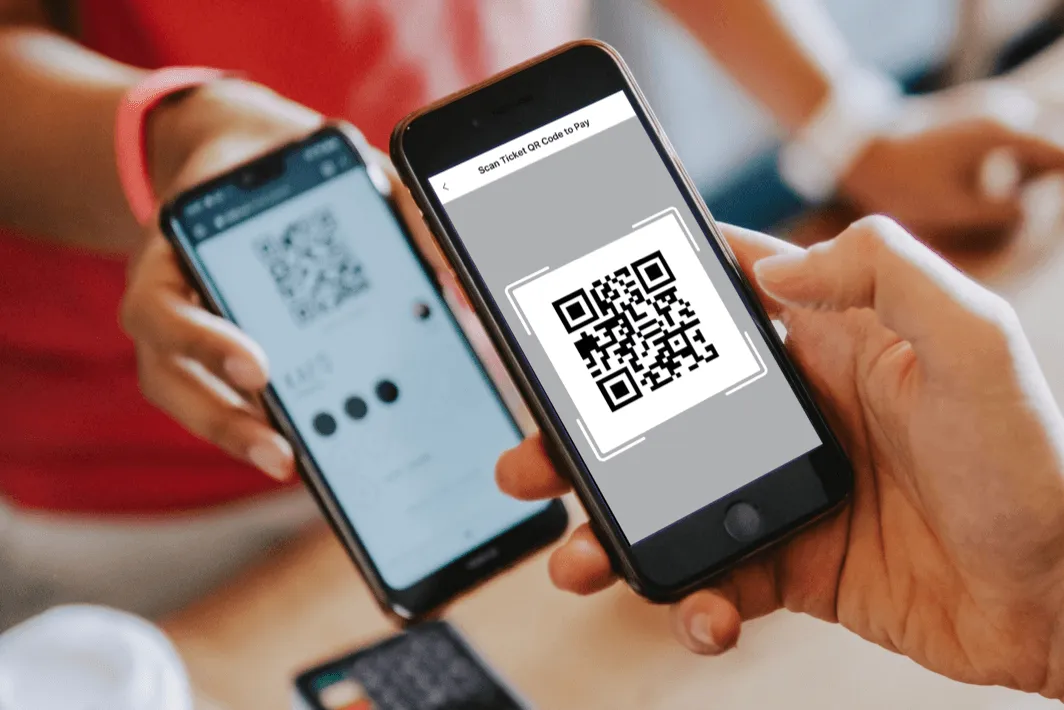
Two hands holding smartphones, one displaying a QR code and the other scanning it for payment.

Easy to Enable

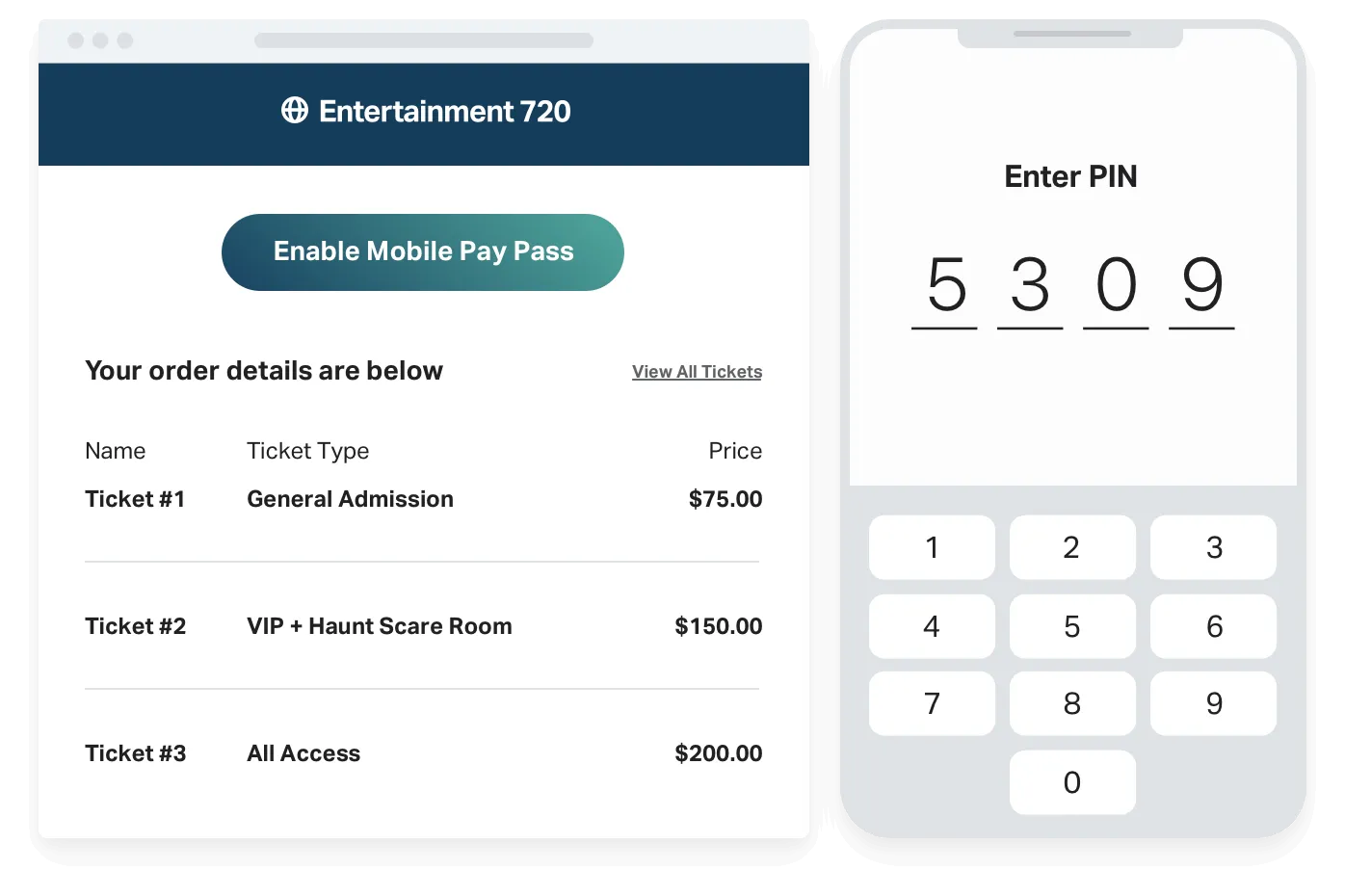
Unlike some of the complicated purchasing apps, enabling MobilePayPass is a cinch. All you have to do is toggle the switch, and your attendees will be presented with an invitation to activate. Next, the QR code will link to their card on file, and the purchasing can begin!

Screen showing an Entertainment 720 ticket order with three ticket types and prices on the left, and a mobile keypad on the right prompting to enter PIN 5309.

Build Itemized Orders

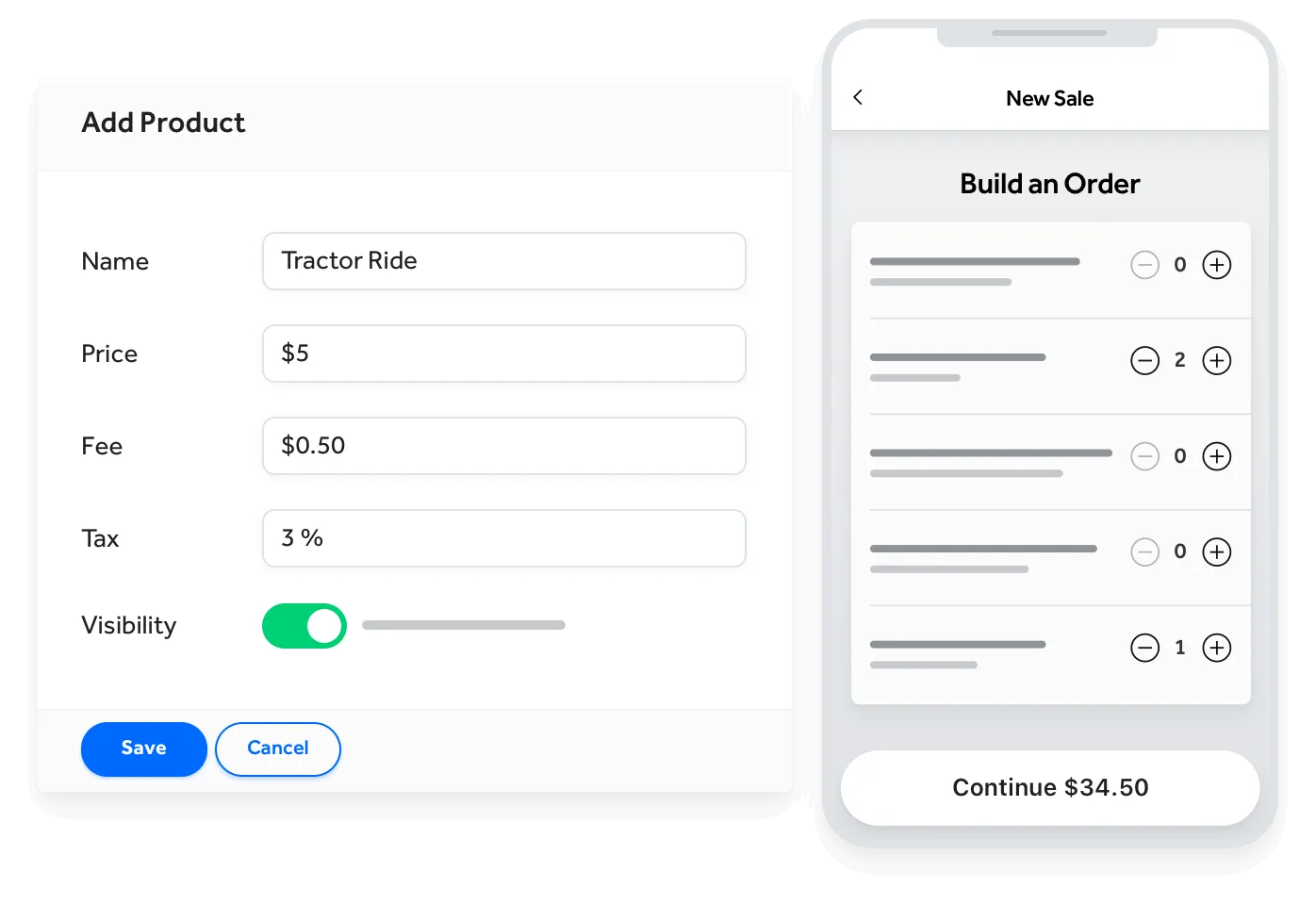
Before the event, the Mobile Pay Pass app allows event organizers to create a robust onsite catalog with an unlimited number of products, attractions, and services.Once you specify the price, fee, and tax amount, your attendees can start stacking their online carts with everything from tractor rides to berry baskets.

User interface showing Add Product form with fields for Name, Price, Fee, Tax, and Visibility toggle, and a mobile screen displaying New Sale order summary with item quantities and a Continue button showing $34.50.

Simple Sales Tracking

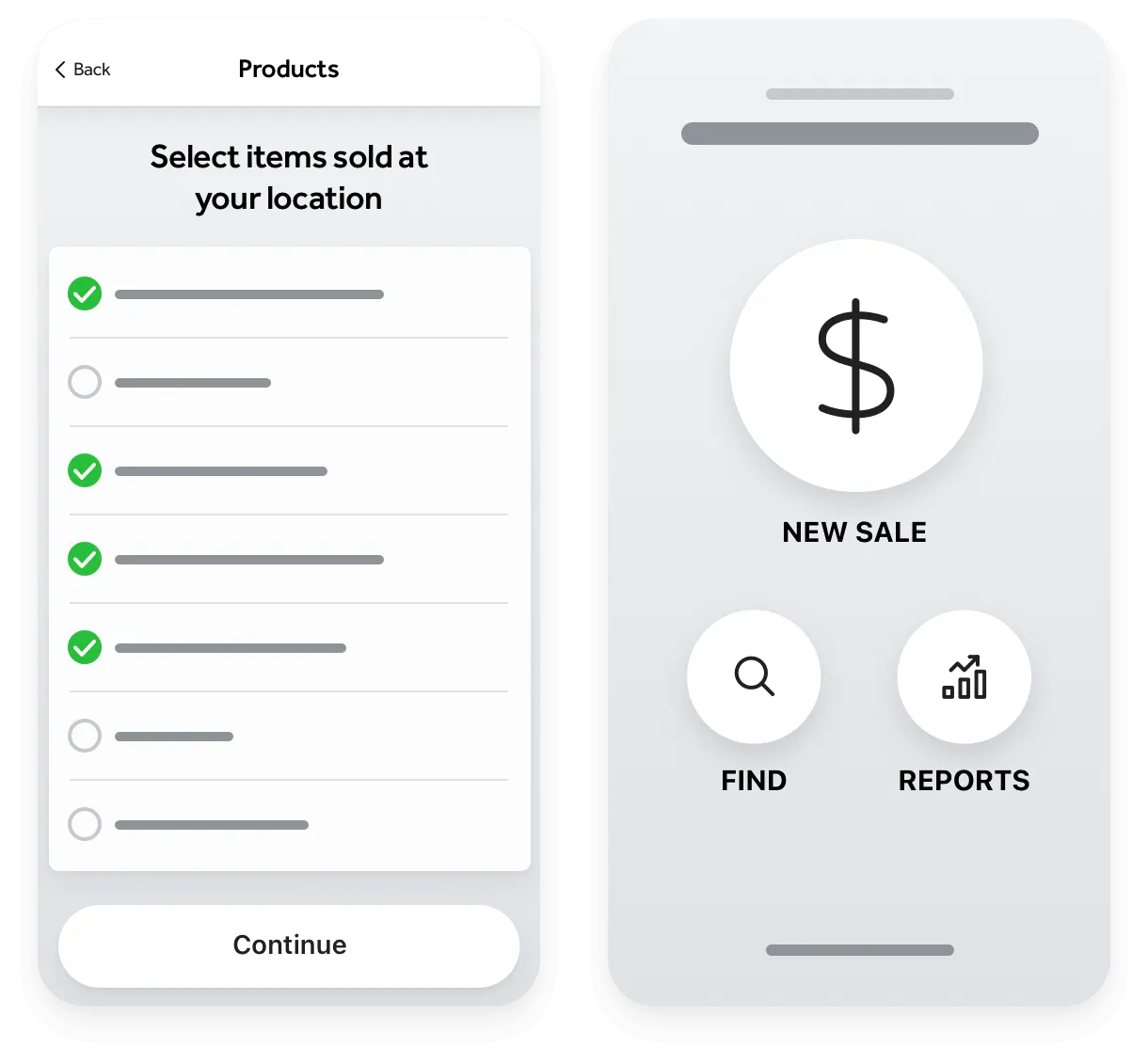
Having a clear breakdown of sales stats can be incredibly helpful for planning inventory for future years. With Mobile Pay Pass, all you need to do is sync the app key and complete the simple setup process. The numbers will tally from there, keeping track of sales by cashier and device.

Two smartphone screens: left showing a product selection list with some items checked and a Continue button, right showing icons labeled New Sale, Find, and Reports.

Quick Checkout

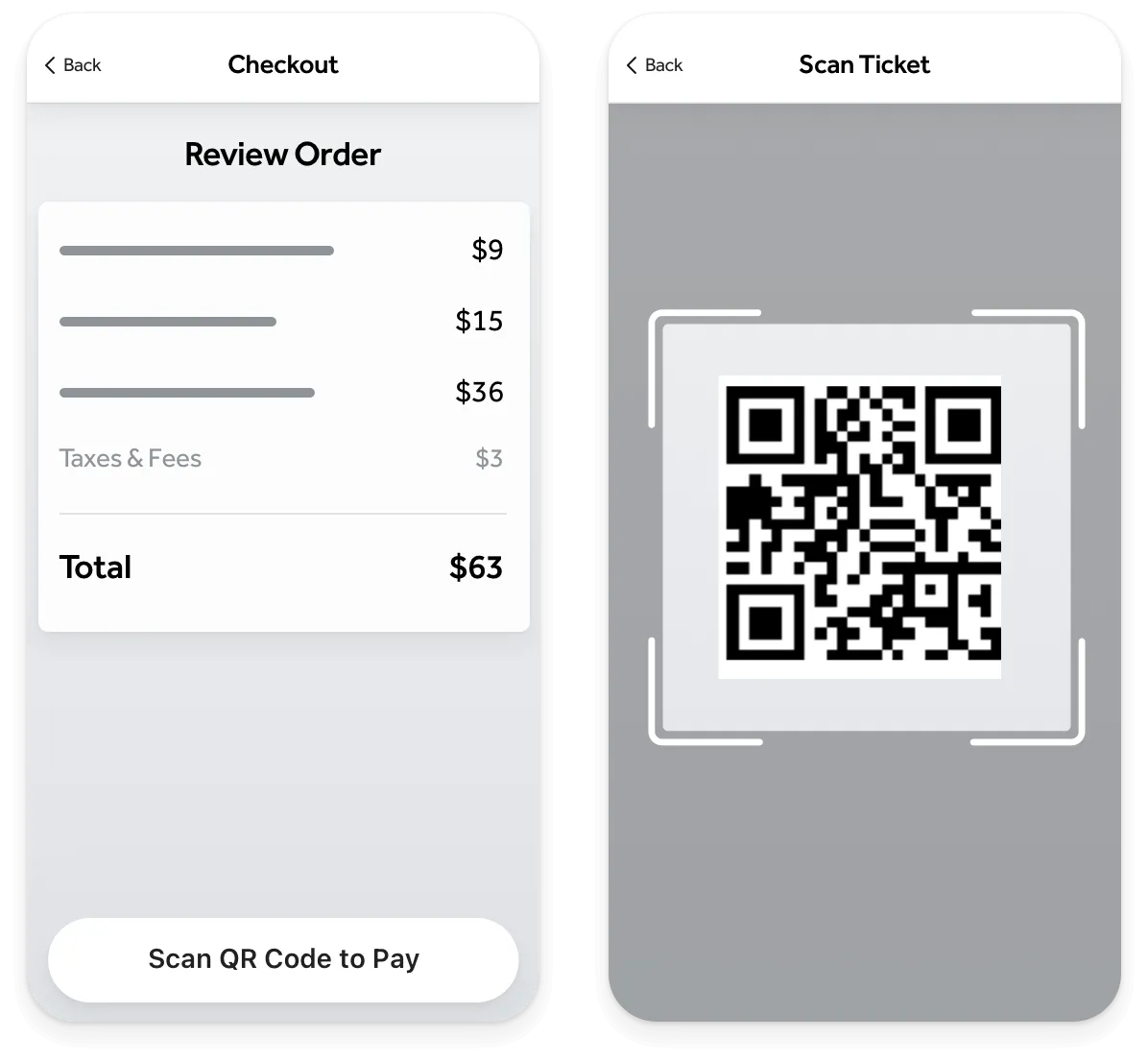
Have you ever watched an attendee hold up the line as they awkwardly fish through their pockets for cash just to buy a snack? With Mobile Pay Pass, you’ll scan the attendee’s QR code, they’ll enter their 4-digit pin, and bam, their card is charged.

Mobile Pay Pass makes on-site sales easier than getting wet in a swimming pool! Ready to break on-site sales records? Click here to watch a demo and get started with Mobile Pay Pass today.

Two smartphone screens side by side: left screen shows a checkout page with order review and total price of $63; right screen shows a QR code scanning interface for payment.
Abstract wave shapes in blue and teal gradient on a black background.

Mobile Pay Pass is just one reason why TicketSpice is the best event ticketing platform today.

  • Purchase Protection

    Easy to enable

    Simply toggle the switch, and let your attendees activate the feature.

  • Merchandise & product sales

    Simple sales tracking

    Breakdown your sales stats in a clear and helpful way.

  • Social incentives

    Increase onsite sales by 30%

    Get ready to break onsite sales records!

  • Edit & upgrade

    Create a catalogue

    Let your attendees see the products and build their customized orders.

  • Weekly event payouts

    No more hassles

    Cashless payments are quick and easy to complete onsite.

  • Quick checkout

    Simply scan the QR code, and get the 4 digit pin.

Join a TicketSpice Demo

Seeing is believing. Attend a demo and check out event ticketing with TicketSpice. You’ll learn to use the ticketing page builder, manage attendees, run reports, and more.

Attend a Demo
Attend a Demo
a man smiling for a picture
Portrait of Eric Knopf, CEO and Co-Founder of Ticketspice, smiling and wearing a light gray button-up shirt.
Black modern electric trick scooter parked on a sidewalk near a wall with shadow.
Blurred abstract image with teal and green tones and horizontal streaks on the right side.
a black play button in a white circle