


Experience a Demo of TicketSpice

Watch an instant demo of our best ticketing features or register for a custom VIP demo for larger events & attractions.

The TicketSpice demo covers everything from creating your ticketing page, to managing attendees, reporting, and on-site ticket scanning.

On-Demand Demo
On-Demand Demo
VIP Demo
VIP Demo
G2 logo.
Capterra logo with colorful paper airplane icon.

Rated 4.9/5 - from over 500 reviews

  • G2 Fall 2025 High Performer Enterprise badge with red and yellow chevron accents.
  • G2 badge for Best Results in Small Business, Fall 2025.
  • G2 Fall 2025 High Performer Mid-Market badge with red and yellow chevron design.
  • G2 Fall 2025 badge for Best Support in Enterprise category.
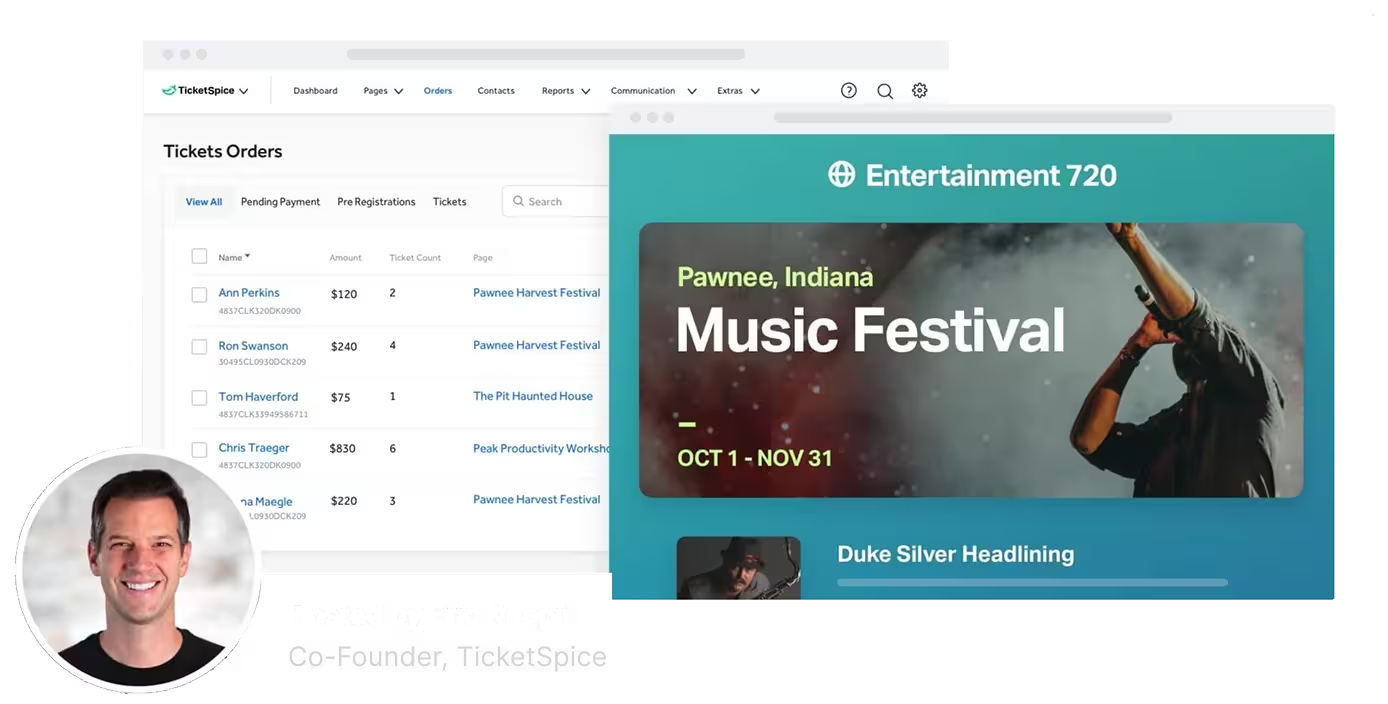
Screenshot of TicketSpice dashboard showing ticket orders and a music festival event page for Pawnee, Indiana, hosted by Eric Knopf.

Sell Tickets by Check, Cash, Wire, and More

When attendees want options beyond credit card payments, TicketSpice enables you to sell tickets by mailed check, wire transfer, cash, and more.

Billing information form showing name as Andy Dwyer, payment method selected as Pay by Check or PO with mailing address PO Box 1725, Pawnee, IN, 46011, and address 921 The Pit Drive, Pawnee, IN, 46011, United States.

Simply add offline payment methods

To sell event tickets outside of standard credit card payments, just enable offline payment methods on your ticketing page. You can then specify custom instructions for the payment like how to mail checks, reference numbers for purchase orders, bank routing information, or even Venmo handles.

However you want to receive payments for your event, TicketSpice makes it easy

User interface for editing payment method with toggles for credit card and offline payment, and a mobile view showing billing information with name, address, and selected payment method.

A seamless ticketing experience for attendees

Even with an alternative form of payment, the event ticketing experience will be as smooth as usual. With clear custom instructions and easy ticket purchasing, they'll be guided through the process same as usual, including the confirmation email.

Order details for Entertainment 720 showing a Pawnee Harvest Festival ticket priced at $75 with options to add to Apple Wallet, print, text, or email, displayed on desktop and mobile screens.

Easy receiving and updating

Receiving payment for your event via cash, mailed check, or purchase order is simple. When logged into your TicketSpice account, search the appropriate attendee, mark their payment complete, and include any notes associated with the ticket purchase.

Popup window titled Complete Transaction with options to update transaction status as Complete or Void, fields for Reference, Confirmation Msg, Admin Notes, and buttons to Complete Transaction or Nevermind.

Track outstanding payments

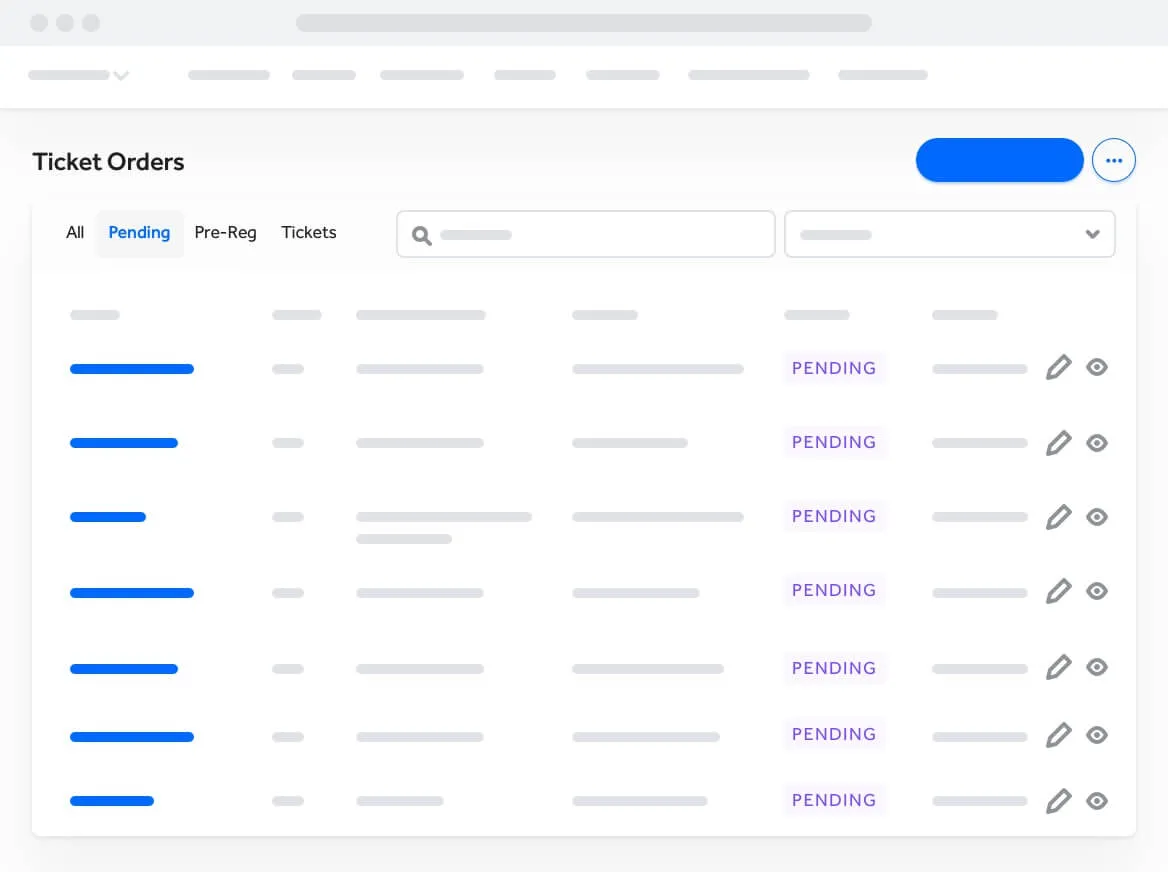
Track all attendees who have purchased tickets but have not completed payment yet within TicketSpice. Manage status across multiple events and apply filters.

User interface displaying a list of ticket orders marked as pending, with columns including search and filter options and edit and view icons next to each entry.
Abstract wave shapes in blue and teal gradient on a black background.

Offline payments is just one reason why TicketSpice is the best event ticketing software on the market today.

  • Purchase Protection

    Easy Setup

    Toggle offline payments on and provide the necessary details for custom payments.

  • Merchandise & product sales

    Accept Mailed Checks

    Offer simple instructions for mailing checks on your ticketing page and log them once they arrive.

  • Social incentives

    Accept Custom Payment Methods

    Cash, wire transfer, venmo, and more are possible with custom offline payment instructions.

  • Edit & upgrade

    Customized Payment Instructions

    Provide custom details for how attendees are to remit payment for their event.

  • Weekly event payouts

    Seamless Registration Experience

    Smooth and easy ticketing experience without any confusion or friction.

  • Simple Tracking and Reporting

    View reports and exports for which attendees have paid and which ones have not.

Join a TicketSpice Demo

Seeing is believing. Attend a demo and check out online and on-site ticketing with TicketSpice. You’ll learn to use the ticketing page builder, manage attendees, run reports, and more.

Attend a Demo
Attend a Demo
a man smiling for a picture
Portrait of Eric Knopf, CEO and Co-Founder of Ticketspice, smiling and wearing a light gray button-up shirt.
Black modern electric trick scooter parked on a sidewalk near a wall with shadow.
Blurred abstract image with teal and green tones and horizontal streaks on the right side.
a black play button in a white circle