
If you’ve ever found yourself juggling spreadsheets, payment links, entry lists, and last-minute attendee emails the week of your event, you already understand why ticketing systems exist.
At its core, a ticketing system is the technology used to sell, manage, and validate tickets for events, venues, and attractions. It handles everything from online sales to on-site scanning and reporting.
In this guide, we’re focusing specifically on event and admission-based ticketing systems, so let’s dive into the practical details.
What Are Ticketing Systems Used For?
A ticketing system is software that allows organizations to create events, sell tickets, process payments, manage attendees, and control entry.
Instead of manually tracking sales and attendance, everything lives in one connected system.
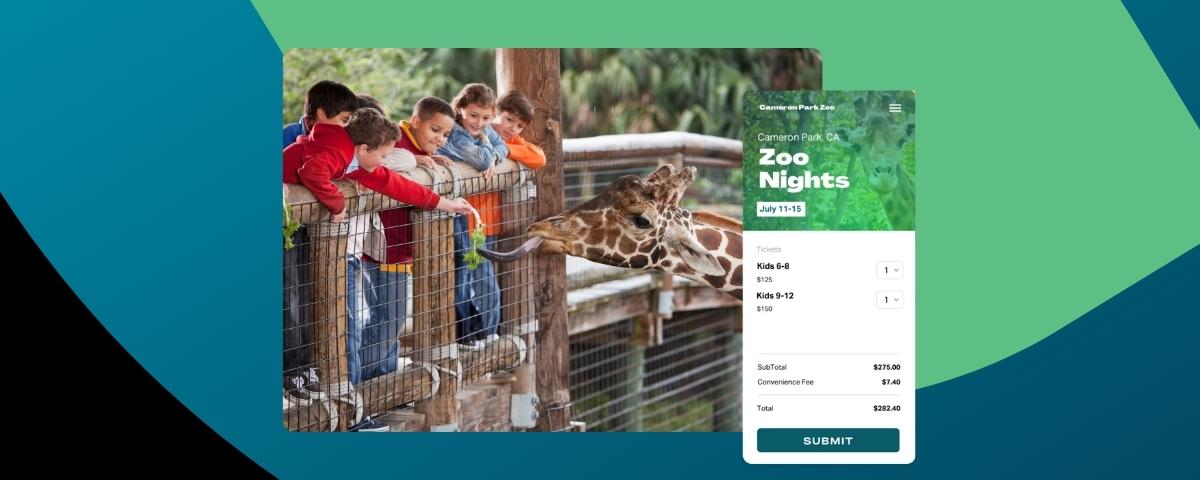
You’ll see ticketing systems used for festivals, multi-day experiences, museums, zoos, agritourism and seasonal events, large venue events, community fundraisers, and more.
In short, if access needs to be sold, tracked, and validated, a ticketing system makes it possible.
How a Ticketing System Works
Most ticketing systems follow a similar workflow. Here’s what that looks like step by step:
1️⃣ Event setup - Create an event inside the platform, set dates, capacity limits, and event details.
2️⃣ Ticket creation - Customize the form fields and add different ticket types such as general admission, VIP, early bird, timed entry, bundles, add-ons, or group packages.
3️⃣ Customer purchase - Attendees visit the ticketing page, select their tickets, enter information, and complete checkout.
4️⃣ Payment processing - The system securely processes credit card or digital payments and records the transaction.
5️⃣ Confirmation and delivery - Attendees receive a confirmation email, often with a QR code or digital ticket for entry.
6️⃣ Check-in and validation - On event day, staff scan tickets using a mobile app or scanner to validate entry in real time.
7️⃣ Reporting and reconciliation - Organizers review sales data, attendance numbers, and payout reports to reconcile revenue and measure performance.
When everything works together smoothly, ticketing feels invisible. But when it doesn’t, operations can unravel quickly.
Why Organizations Need a Ticketing System
The event industry has shifted dramatically from manual processes to automated systems. A ticketing system is now a necessity to protect both your revenue and your reputation. Here’s what you need them for:
➡️ Payment handling - Modern ticketing systems securely process transactions, manage refunds, and track payouts without manual accounting work.
➡️ Capacity control - Once tickets sell out, sales stop automatically. No more overselling or manual headcounts.
➡️ Fraud prevention - Secure QR codes, encrypted payments, and validation tools reduce counterfeit tickets and chargebacks.
➡️ Real-time attendance tracking
Instantly see exactly how many attendees have checked in.
➡️ Reduced operational risk - Automation removes the human error that often leads to long entry lines, inaccurate reporting, or lost revenue.
Key Features and Components of Ticketing Software
Modern ticketing software includes several core components, and each one plays a direct role in protecting your revenue and operations.
🔑 Event and ticket configuration
Flexible ticket types, timed entry, bundles, and capacity limits prevent overselling and help you manage attendance flow without manual tracking. Strong configuration tools let you structure pricing and inventory intentionally instead of relying on workarounds.
🔑 Payment processing
Secure checkout, fraud detection, real-time payouts, and fee control protect your cash flow. Your ticketing system should safeguard transactions, reduce chargebacks, and ensure you’re not waiting weeks to access your revenue.
🔑 Custom registration forms
Advanced field types and conditional logic allow you to collect exactly what you need: waivers, meal selections, breakout choices — without creating unnecessary friction at checkout. Cleaner forms mean higher completion rates and better data.
🔑 Promo codes and pricing rules
Early bird pricing, discounts, and dynamic promotions help drive urgency and increase average order value without manual refunds or backend adjustments.
🔑 Access control and scanning
Mobile check-in apps and real-time QR validation reduce entry lines and prevent duplicate admissions. Smooth check-in protects the first impression of your event.
🔑 Reporting and analytics
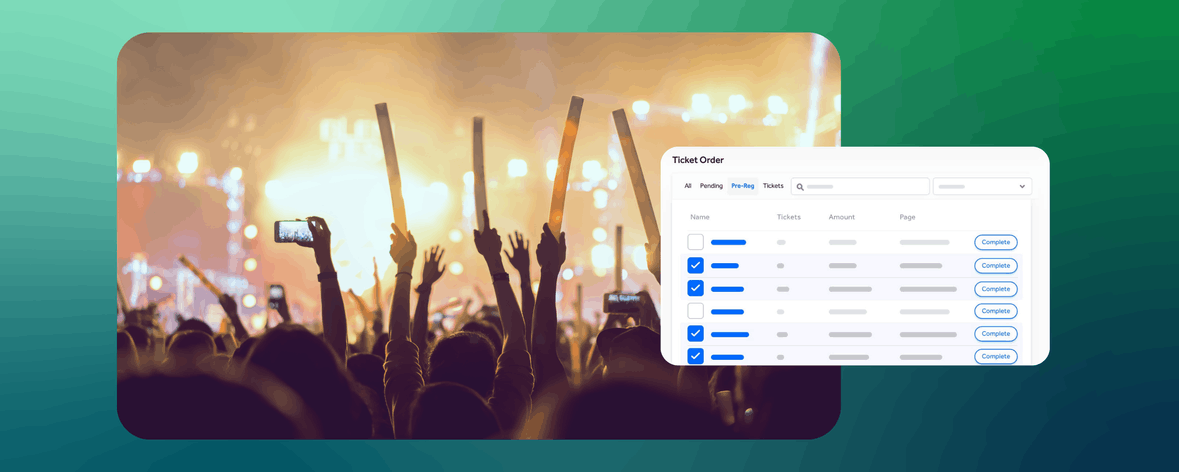
Sales dashboards and reconciliation exports give you visibility into performance before, during, and after your event. Without reporting, you’re guessing at revenue and attendance patterns.
🔑 Integrations
CRM connections, email marketing tools, and API access ensure your ticketing platform doesn’t operate in isolation. When your systems talk to each other, your team spends less time exporting data and more time improving the event.
Benefits of Using a Ticketing System
Still unsure whether you need a solid ticketing system? Here’s what you can expect to gain:
A strong ticketing system creates faster entry, meaning shorter lines and a better first impression for attendees. It produces cleaner, centralized data, which makes post-event reporting simple instead of chaotic.
It gives you accurate revenue tracking, so you always know what you’ve sold and what’s been paid out. It improves the overall attendee experience by delivering professional confirmations and a smooth check-in.
And perhaps most importantly, it supports scalability so your operational load doesn’t double when attendance does.
Common Use Cases Across Industries
Ticketing systems support organizations that rely on structured admissions, revenue control, and operational efficiency. While event formats vary, the underlying need is the same: sell access confidently and manage entry without chaos.
Festivals and Multi-Day Events
Music festivals, food and wine events, and multi-day experiences require layered ticket types, add-ons, capacity controls, and fast entry scanning. These events depend on dynamic pricing, sponsor integration, and strong reporting to protect margins at scale.
Attractions and Agritourism
Think of pumpkin patches, holiday light shows, farm hay rides, and aquarium attractions. These rely heavily on timed-entry ticketing and traffic flow management. Inventory control, upsells, and on-site sales are critical to maximizing seasonal revenue in a short operating window.
Large Venues and High-Capacity Events
Concert venues, arenas, sporting events, and major community gatherings require fast scanning, real-time validation, staff permission controls, and detailed financial reconciliation. At higher volumes, operational reliability becomes essential infrastructure.
Fundraisers and Revenue-Driven Nonprofits
Galas, charity runs, benefit dinners, and donor events often combine ticket sales, sponsorship packages, donations, and merchandise. Flexible pricing structures and integrated fundraising tools help organizations increase total revenue per attendee.
Membership and Loyalty-Based Events
Organizations with recurring audiences need systems that verify members, apply special pricing automatically, and manage upgrades or renewals without manual oversight.
No matter the format, the goal remains consistent: predictable revenue, controlled access, and a smooth attendee experience.
How to Choose the Right Ticketing System for Your Event
As you evaluate ticketing software, use this checklist as a guide.
✅ Event size and complexity - Does the platform handle your expected volume and operational needs?
✅ Ticket types needed - Can you configure bundles, timed entry, add-ons, or payment plans?
✅ Reporting requirements - Does it provide the exports and dashboards your finance team needs?
✅ Staff roles - Can you assign permissions and manage multiple team members securely?
✅ Integration needs - Does it connect to your CRM, email tools, and analytics platforms?
✅ Growth plans - Will the platform still work when your event doubles in size?
About TicketSpice
TicketSpice is a modern, flexible ticketing system built for organizers who need control, customization, and scalability.
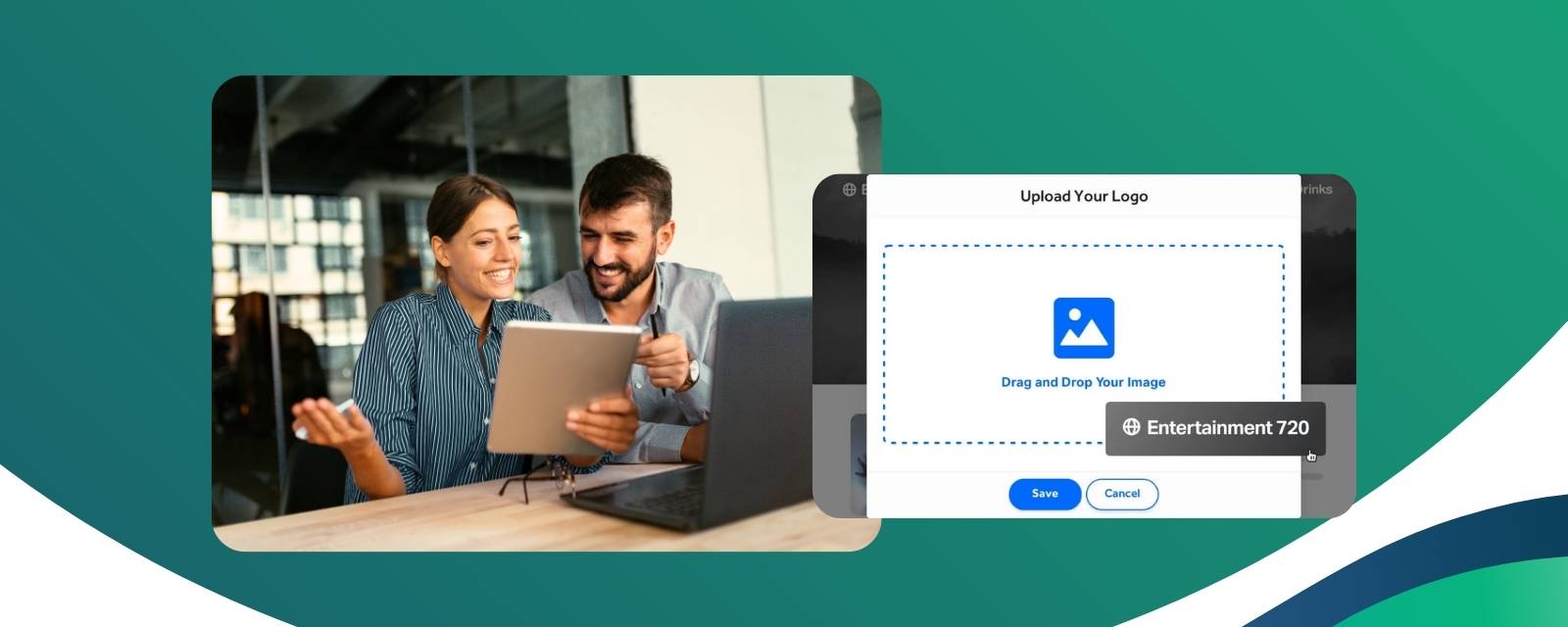
With fully customizable ticketing pages, you can create branded experiences that reflect your event.
Secure payment processing and fee control allow you to manage how fees are handled and keep more of your revenue.
Entry management tools and real-time scanning ensure smooth check-in, even for high-capacity events.
Advanced reporting provides clear visibility into sales, attendance, and payouts.
And because TicketSpice is built for growth, it scales with you as your event grows.
FAQs
What is a ticketing system used for?
A ticketing system is used to sell tickets, process payments, manage attendees, and validate entry for events and attractions.
What is ticketing software?
Ticketing software is the digital platform that powers online ticket sales, reporting, check-in, and payment processing.
How does a ticketing system work?
It allows organizers to set up events, create ticket types, accept payments, send confirmations, scan attendees on-site, and track sales data.
What features should a ticketing system have?
Core features include customizable ticket configuration, secure payments, reporting tools, access control, promo codes, and integrations.
What are ticketing systems used for in events?
They are used to manage admissions, control capacity, prevent fraud, streamline entry, and track revenue.
How do I choose the right ticketing system?
Evaluate event size, ticket complexity, reporting needs, integrations, team access, and long-term growth plans.
Key Takeaways
A ticketing system is more than just a way to sell tickets. It’s operational infrastructure that handles payments, protects revenue, controls capacity, validates entry, and provides real-time insight into your event performance. The right system simplifies your workflow today and scales with you tomorrow.
If you’re ready to run smoother events and keep more of your revenue, you can get started with TicketSpice today or reach out to our support team with questions.
We’re here to help you have the best event ever.
— The TicketSpice Team