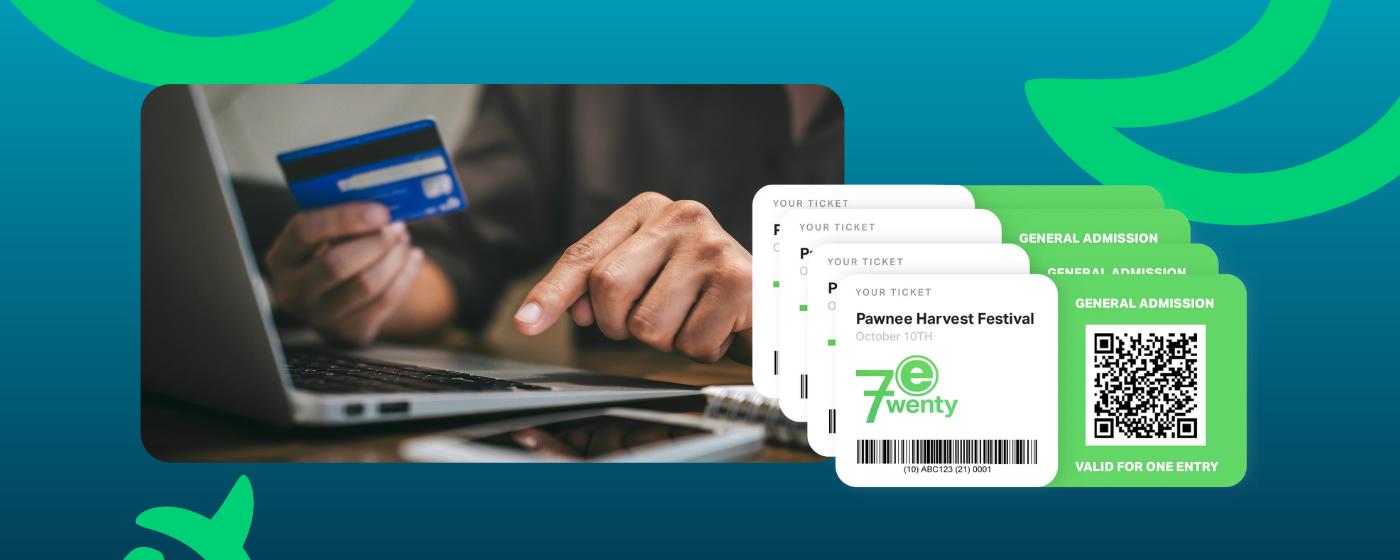


Event ticketing software lets you sell tickets online, control capacity, take payments at the gate and scan attendees in, all from one place. For events and attractions, the features that matter most are flexible ticket types, branded ticketing pages, timed entry, onsite sales, gate scanning and fees you can calculate before the first sale. TicketSpice puts all of it in one platform for both events and attractions.
This guide explains how it works, what it costs and what to look for, whether you run a one-night festival or an attraction that opens its gates every day.
What Is Event Ticketing Software?
Event ticketing software is a platform that lets organizers sell tickets online, collect payment, control inventory, deliver tickets and check attendees in at the door. For attractions such as museums, zoos, farms and seasonal experiences, it also manages timed entry, daily capacity and walkup sales.
One platform should be able to do all of it. When online sales and the gate share the same live inventory, nobody sells the 501st ticket to a 500-person slot.
Events vs. Attractions: What Each Actually Needs
A festival and a pumpkin patch both sell tickets, but they feel different on a busy day. Events tend to spike around an on-sale date. Attractions sell steadily and have to keep every time slot full without overfilling it.
What to Look For in Event Ticketing Software
• Pricing you can calculate. Check the platform fee, the payment processing fee and whether the fee grows with the ticket price.
• Branded ticketing pages. Your logo and colors should be on the page, with no third-party branding. See custom-branded ticketing pages.
• Capacity and timed entry. Set limits by date and time slot and block dates when you're closed. See timed entry.
• Onsite sales on the same inventory. Walkup sales should draw from the same live count as online sales.
• Scanning that survives bad Wi-Fi. Outdoor venues need scanning that keeps working offline and syncs later.
• Add-ons, promo codes and group tickets. Check whether each one costs extra. See ticket add-ons and upsells and discount codes.
• Reporting by date, slot and channel. You want to know who came, when and how they bought. See event ticketing reports and exports.
How Event Ticketing Pricing Works
Most platforms charge a fee per paid ticket plus payment processing. Some charge a flat amount per ticket, and others add a percentage of the ticket price, so the fee grows as tickets get more expensive. TicketSpice charges per paid ticket across three tiers (99¢, $1.49 and $1.99) plus payment processing, and organizers have the option to pass the ticketing fee to the buyer and keep more of their ticket revenue.
Comparing Event Ticketing Platforms
If you're ready to compare specific platforms, our guide to the 10 best event ticketing platforms for 2026 compares ten of them by use case, fees and onsite operations.
Where TicketSpice Fits
Take a pumpkin patch in October, for example. Weekend slots sell out by Wednesday, Saturday morning brings a walkup line, and the back field has the cell signal of the moon. TicketSpice is built for that day.
Your branded ticketing page goes up without code, with your logo and colors and nobody else's. Timed entry lets you pick the sales date range, sell by time slot and set blackout dates. Reserved seating comes with a drag-and-drop seating chart, and it can sit next to open general admission.
At the gate, the box office app takes cards, mobile wallets and cash while sales, reporting and admissions stay synced. Scanning runs on standard tablets and phones, and cached tickets keep validating when the Wi-Fi gives up. Promo codes, add-ons and analytics are not extra charges.
Scale is not a theoretical claim, either. The Albuquerque International Balloon Fiesta recorded 838,337 estimated guest visits across 14 completed sessions and used TicketSpice to support its ticketing operation. We break down that kind of volume in our guide to ticketing software for large events. Attraction operators can also read our guides for museums and cultural venues and zoos and aquariums.
Watch-Outs
TicketSpice does not include a public marketplace that sends new buyers to your event. That is by design: your ticketing page is fully yours, with your own branding, no third-party logos and no other events competing for attention next to yours.
How to Choose in 5 Steps
• Step 1: Write down your busiest day. Note the number of tickets, the entry windows and the walkup volume.
• Step 2: Calculate total cost at that volume. Include the platform fee, payment processing and any add-on charges.
• Step 3: Test the gate. Turn off the Wi-Fi and try a scan before you commit.
• Step 4: Check that online and onsite share one inventory. Two separate counts mean overselling or empty slots.
• Step 5: Build a test page. If you can't get a basic event live in an afternoon, keep looking.
FAQs
How do I choose event ticketing software for events and attractions?
Start with your busiest day: your ticket types, capacity rules, onsite sales and total fees at your volume. TicketSpice is built for both events and attractions, with branded ticketing pages, timed entry, onsite box office sales and offline scanning in one system. To compare specific platforms, see our guide to the 10 best event ticketing platforms.
What is the difference between event ticketing and attraction ticketing software?
Event ticketing software focuses on selling tickets for specific dates, usually with an on-sale rush. Attraction ticketing software adds timed entry, daily capacity limits, walkup sales and slot-level reporting. The strongest platforms handle both without a second tool.
How much does event ticketing software cost?
Most platforms charge a fee per paid ticket plus payment processing, and some also add a percentage of the ticket price. With three pricing tiers starting at 99¢ per ticket, TicketSpice lets you choose a plan and decide whether to absorb ticketing fees or pass them to buyers. Compare total cost at your expected volume, not just the headline rate.
Do I need timed entry for my event?
You need timed entry if you want to cap how many guests arrive in each time window, which is common at museums, zoos, farms and seasonal attractions. Single-date events like concerts or fundraisers usually only need a total capacity limit. TicketSpice supports both.
Can I sell tickets at the door and online with the same system?
Yes, if the platform shares one live inventory between online and onsite sales. TicketSpice's box office app takes card, mobile wallet and cash payments while sales and admissions stay synced.
Which event ticketing software has no extra fees for promo codes and add-ons?
TicketSpice includes promo codes, add-ons and analytics without separate charges, and its fees are per paid ticket plus payment processing. Always check each platform's current fee page for add-on and reporting costs.
How long does it take to set up event ticketing software?
A basic event with one ticket type can go live in about 10 minutes on TicketSpice when the event details, prices and images are ready. Timed entry, reserved seating and conditional pricing are also available if needed.
Event Ticketing Software for Events and Attractions: The Short Version
Event ticketing software for events and attractions should handle flexible tickets, capacity and timed entry, onsite sales, scanning and clear pricing in one place. TicketSpice is built for organizers and attraction operators who want that, with fees they can calculate before they sell.
Ready to see it in action? Sign up for TicketSpice and build a test page. Running more than 10,000 tickets a year? Request a custom one-on-one demo.
We're here to help you find the right setup, sell more tickets, and make running your events and attractions a little easier.
The TicketSpice Team