
What Event Attendee Management Actually Means
Event attendee management is the system behind the full attendee journey, from “I want to go” to “see you next year.”
For ticket-selling organizers, that means your ticketing platform needs to connect ticketing, checkout, check-in, revenue opportunities, reporting, and attendee data.
When those pieces work together, buying feels easier, entry runs smoother, and your next on-sale starts with better information.
When they don’t… well… that’s usually when the spreadsheets start multiplying.
This guide breaks down what event attendee management actually means for organizers who need to sell tickets, run cleaner check-in, and use attendee data more effectively.
Your Ticketing Page Is Your First Revenue Decision
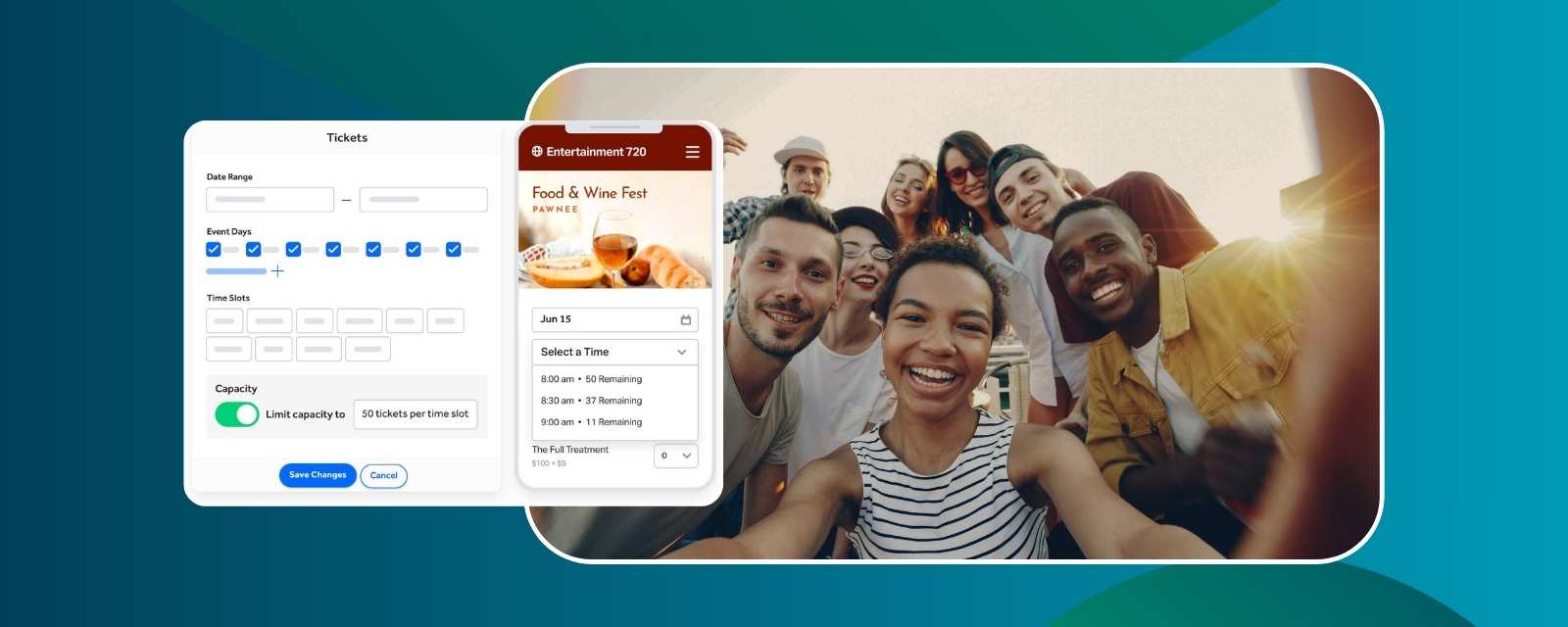
Your ticketing page isn’t just an admin form. It’s one of the highest-value conversion points you control.
If someone clicks through to purchase a ticket and the page feels slow, confusing, too long, or disconnected from your brand, you can unintentionally lose a buyer who was interested.
Common friction points include:
🚫 Too many required fields up front
🚫 Poor mobile layout
🚫 Confusing ticket tier names
🚫 Forced account creation
🚫 Checkout pages that look like a third-party detour
Every one of those friction points creates a reason to leave the page before finishing.
The better approach is to keep ticketing focused. Collect the information you truly need to complete the purchase, then use follow-up workflows to gather anything deeper later.
Branded checkout matters too. Your buyer should feel like they’re still buying directly from you, not getting dropped onto some random third-party page.
TicketSpice helps organizers create a branded ticketing experience that keeps buyers focused from the first click through checkout. For more on the full online ticketing flow, see how to sell tickets for your event online.
Revenue Tools Should Be Built Into the Attendee Flow
Attendee management isn’t separate from revenue strategy.
Pricing, promo codes, group ticketing, add-ons, upsells, and fees all shape how much revenue stays with the organizer.
Examples can look like:
🏷️ Early-bird offers: Drive early commitment, improve upfront cash flow, and build momentum before the event. See how to maximize attendance with early bird ticket sales.
🤝 Affiliate codes: Track partner-driven sales with unique codes
👥 Group tickets: Make it easier for one buyer to purchase for a team or group
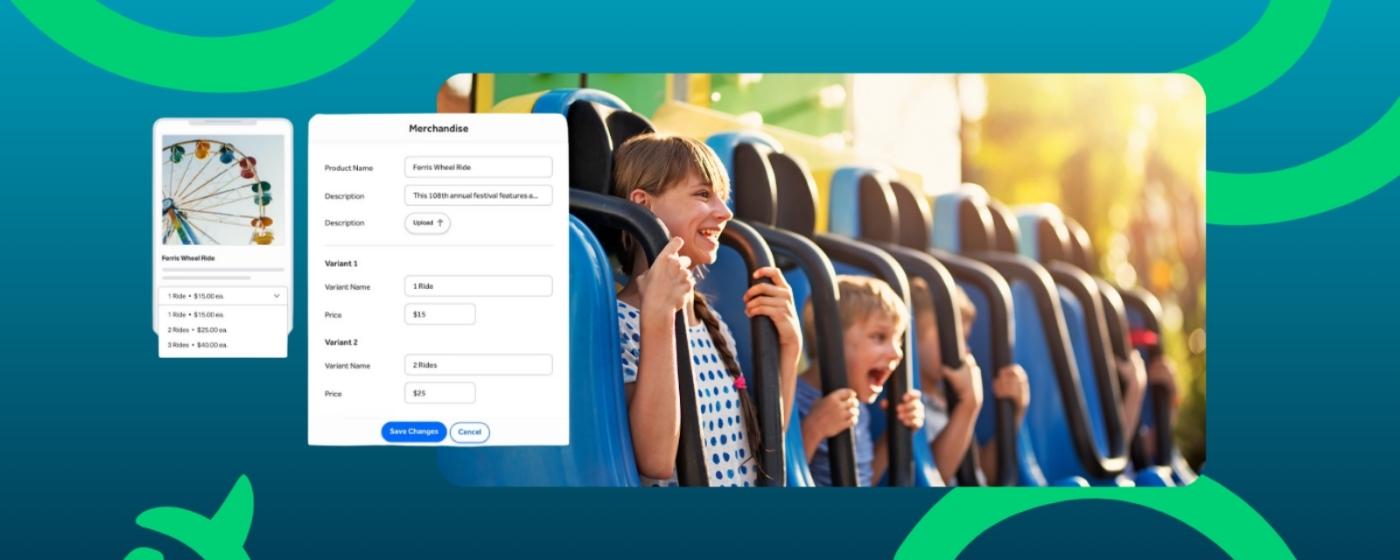
✅ Add-ons and upsells: Increase order value with parking, merch, VIP upgrades, meals, workshops, or other offers that fit naturally into checkout. For more on structuring them well, see ticket add-ons and upsells.
The mistake is treating every tool the same.
A promo code with no end date can discount buyers who didn’t need a discount. A confusing add-on can make checkout harder. And fees that grow with every ticket can quietly take a bigger bite as sales increase.
Good revenue tools need structure:
✅ Clear purpose
✅ Redemption limits
✅ Expiration dates
✅ Relevant placement during checkout
✅ Clear pricing and reporting
The right offer at the right moment can increase revenue without adding more attendees.
Day-of Check-In Needs More Than a Guest List
A setup that works fine in theory can still fall apart at the door if scanning is slow, staff roles are unclear, or attendee data isn’t synced.
A clean check-in flow depends on a few basics:
📲 Devices are ready before doors open
🎟️ QR scanning is fast and easy for staff
👥 Staff roles are clearly assigned
🔐 Access rules are easy to understand
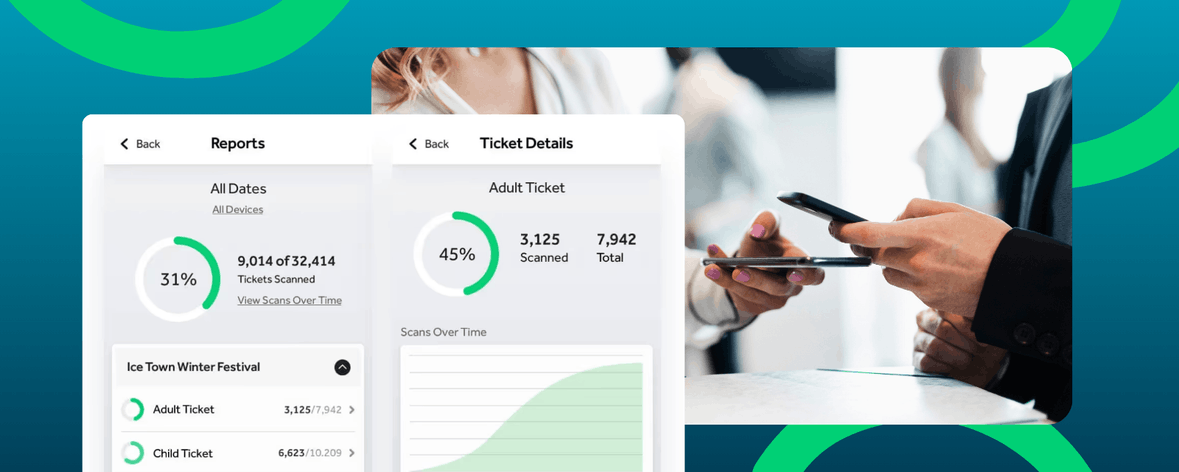
📊 Capacity and attendance are visible as guests arrive
The biggest problems usually come from disconnected systems.
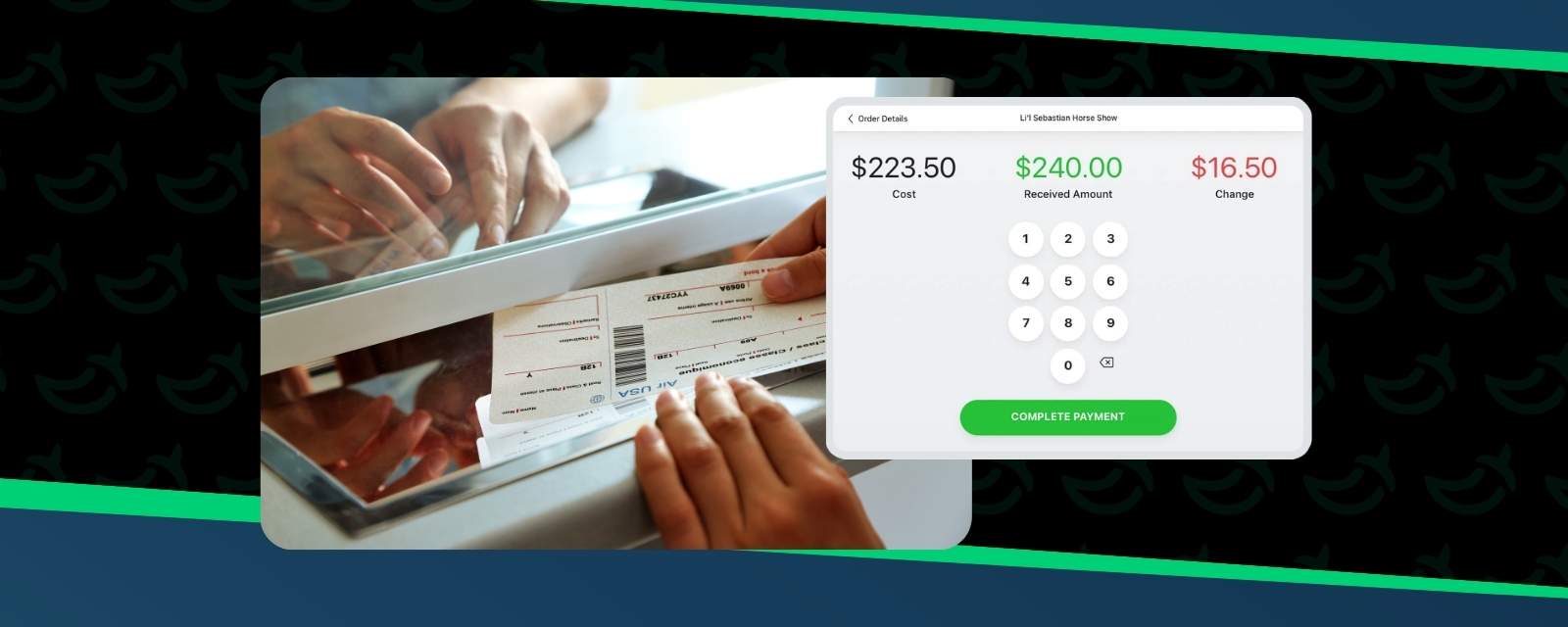
Walk-up sales don’t match pre-sold inventory. Staff can’t see the right attendee list. Someone has to manually check ticket types. Capacity decisions happen too late.
At small events, that’s annoying.
At high-volume events, it becomes a line.
And nobody’s dream guest experience starts with a line.
TicketSpice supports attendee management, scanning, order reporting, and check-in activity through its event tools and reports, helping teams keep event-day operations more organized.
Real-Time Data Helps You Improve Before and After the Event
Post-event reports are useful. But if you only learn what happened after the event is over, you missed the chance to act while it mattered.
During an active sales window, organizers need to know what’s happening right now.
Useful signals include:
📊 Ticketing pace
📊 Ticket tier performance
📊 Promo code usage
📊 Add-on conversion
📊 Revenue by ticket type
📊 Traffic and conversion trends
These numbers help show whether sales are slowing, which promo codes are working, whether buyers are adding upgrades, and whether mobile checkout is converting cleanly.
TicketSpice provides real-time event ticketing analytics, attendee reporting, exports, integrations, and CRM tools that help organizers track performance while there’s still time to adjust.
Once the event is over, that same data helps shape the next campaign.
Past VIP buyers can get early access next time. Group buyers can receive bulk purchase offers. Past add-on buyers can see relevant upgrades first.
For post-event nurturing, email drip campaigns for ticket sales can help turn attendee data into smarter follow-up before the next sales push.
FAQs
What is attendee management?
For event organizers, attendee management is the system that supports ticketing, ticket sales, check-in, attendee data, reporting, and follow-up.
Why is attendee management important for ticketed events?
Attendee management helps keep ticketing, check-in, reporting, and follow-up connected, so teams can reduce manual work and create a smoother attendee experience.
What should event attendee management software include?
Strong attendee management software should include branded ticketing pages, mobile-friendly checkout, promo tools, add-ons, attendee reporting, check-in tools, analytics, and integrations.
How does attendee management help increase ticket sales?
Attendee management helps increase ticket sales by improving the flow, supporting promo tools, reducing checkout friction, and creating opportunities for add-ons, upsells, and follow-up campaigns.
What is the difference between attendee management and event ticketing?
Event ticketing is one part of attendee management. Attendee management also includes ticket sales, promo tools, check-in, reporting, attendee data, and post-event follow-up.
Choose a Ticketing Platform Built for Organizers Who Need to Sell More Tickets
When choosing a ticketing platform, the question is not, “Which one has the most features?”
The better question is, “Which one helps us sell more tickets, keep more revenue, and give attendees a better experience?”
Because the right ticketing platform should do more than process orders. It should help create a smoother path from registration to check-in to follow-up.
TicketSpice helps organizers manage branded ticketing pages, promo tools, add-ons, reporting, analytics, integrations, and attendee data in one place, so teams can sell smarter without adding unnecessary complexity.
Ready to turn attendee management into a stronger revenue system? You can get started with TicketSpice today or reach out to our support team with questions.
We’re here to help you sell more tickets, keep more revenue, and create a better experience from the ticketing page to check-in.
— The TicketSpice Team