

Look, we get it. You're organizing an event—perhaps it’s your first pumpkin patch festival, or your 10th food fair—and the budget is tighter than a jar of homemade pickles. When you stumble across "free" ticketing software, it feels like finding money in your old jeans pocket. But as a team that's helped thousands of event organizers navigate this exact situation, we're going to walk you through what "free" actually costs. Spoiler alert: it's rarely as free as it seems.
What Free Ticketing Systems Are and What They Offer
Free ticketing software lets organizers create and sell tickets without upfront platform fees or subscriptions, earning revenue instead via per-ticket charges, premium feature upsells, or ads. Core offerings of a free platform typically include the following:
✅ Basic event page creation
✅Simple ticket templates
✅Attendee lists
✅ sales tracking and limited customer data collection.
✅Minimal email or social sharing tools.
The tricky part, though, is that many platforms hide essential features behind paid tiers, jack up processing fees, or keep your customer data for their own marketing shenanigans.
These platforms can work okay for small, low complexity events, but they often fall short when the event needs to grow.
Examples of Free Ticketing Platforms
Several platforms offer free ticketing options, each with different features and limitations:
➡️ Raiseaticket – Provides basic event management and ticket tracking with limited customization options, making it suitable only for simple community events or internal use.
➡️ Spiceworks – Offers free IT service desk functionality with built-in ticket management, designed primarily for tech support or internal operations—not for attendee-facing events.
➡️ Freshdesk (Free Plan) – Includes customer support ticketing with a shared inbox, limited agent seats, and basic reporting—sufficient for small teams but lacking event-specific tools.
➡️ Zoho Desk (Free Plan) – Delivers essential help desk ticketing for up to three agents with minimal automation or customization, best for startups or small projects.
➡️ osTicket (Open Source) – An open-source solution that gives you more control and flexibility but requires significant technical setup, self-hosting, and ongoing maintenance.
These tools can get you started quickly, but most are built for general ticket tracking or small-scale use, not for running high-volume events.
The Limitations Nobody Tells You About
Here’s where the fine print starts to matter. Free ticketing tools often come with strings attached that can impact your brand and your bottom line. If you go the free route, expect to deal with these limitations:
🚫 Forced branding or ads on your event page
🚫 Hidden or unavoidable service fees (sometimes passed to your guests)
🚫 Little to no customization - your event looks like everyone else’s
🚫 Fragile scalability - pages may crash under heavy demand
🚫 Questionable data ownership - your attendee data isn’t always fully yours
Hidden Costs That Aren't So Obvious
While free platforms come without the upfront costs, they often introduce other costs later that can eat away at your budget.
Processing Fees and Transaction Costs
Free ticketing systems typically charge higher per-ticket processing fees (often 3–5% plus fixed fees) which makes large events surprisingly expensive. Picture this: your harvest festival sells 2,000 tickets at $25 each. That seemingly innocent 4% processing fee just cost you a painful $2,000. Many also pass on high "convenience" fees to buyers, which can discourage large families and groups from attending.
💡 Pro tip: Always dig into the true per-ticket and payment costs, not just that tempting "free" headline.
Feature Limitations and Upgrade Pressures
Whether it’s custom branding for your Christmas tree farm, advanced reporting for your summer Ren fair, or priority support during your busy haunt season, essential features are frequently locked behind paywalls with free software.
Too many organizers discover these limits only after they've already launched a marketing campaign for their event. As a result, they either feel forced to upgrade (and blow the budget) or stuck with a generic-looking ticket page that doesn’t match their brand.
Data Ownership and Control Issues
Remember that free platforms aren’t charities: they need to make money somehow. One of these ways is restricting your data usage and using your hard-earned attendee information for their own marketing and partner deals. Limited access weakens your ability to market repeat events and can erode customer trust.
Why Paid Ticketing Software Pays for Itself
When you use a paid, dedicated ticketing system like TicketSpice, every part of your operation improves: from branding to checkout speed to data control.
Here’s what you gain:
✨ Flat, predictable pricing: No hidden fees or surprise deductions.
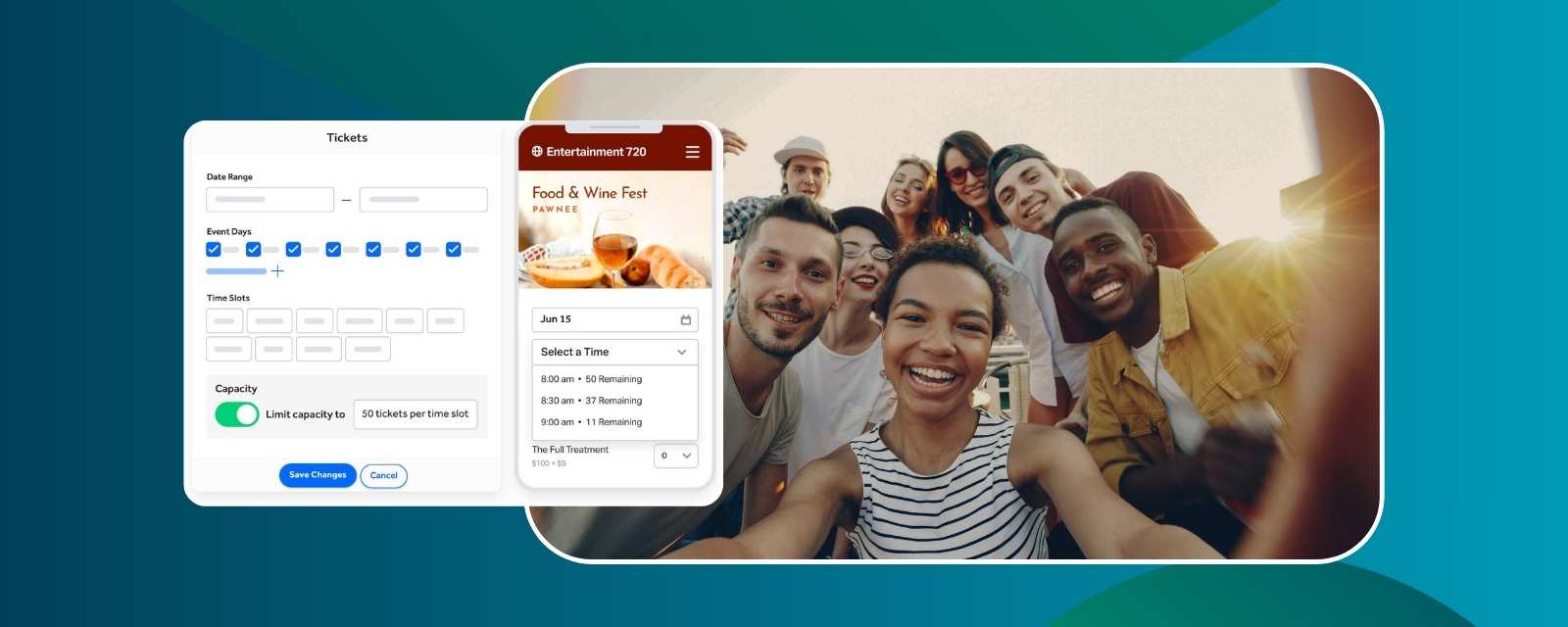
✨ Full customization: Create pages that reflect your brand, not the platform’s.
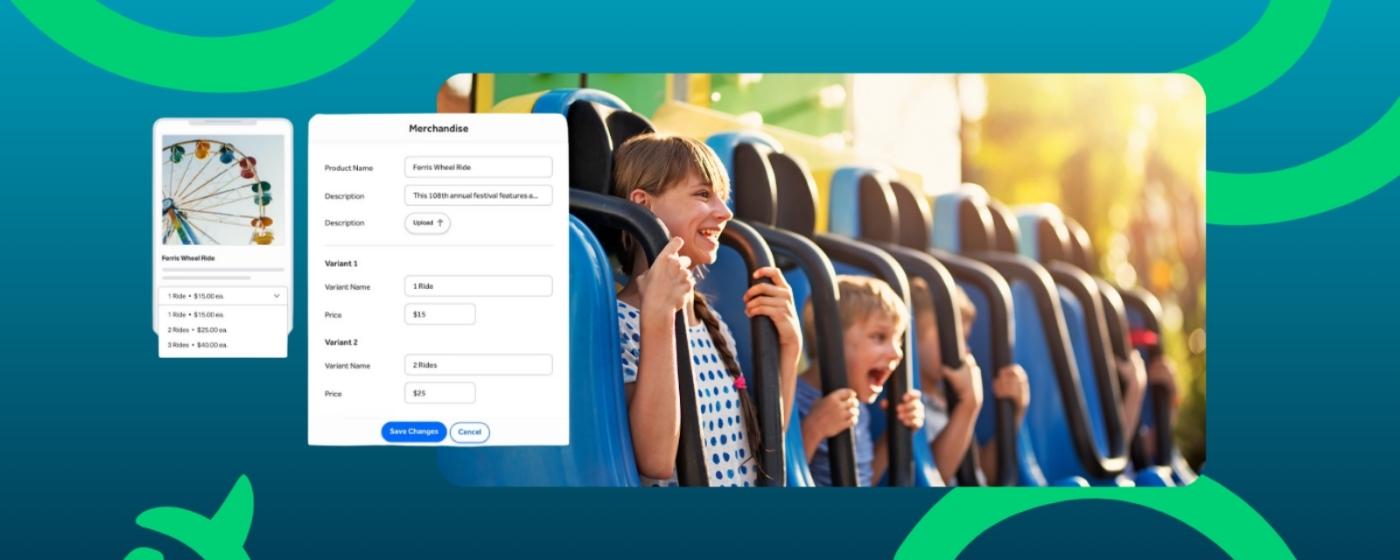
✨ Upsells and add-ons: Sell merch, VIP tiers, or membership options right in checkout.
✨ Ownership of your data: You keep every bit of attendee info.
✨ Scalability and reliability: Confidently handle high-volume sales without downtime.
Investing in a scalable ticketing solution from the start often saves money and reduces stress in the long term, especially as your event grows.
FAQs About Free Ticketing Software
What is the best free ticketing software?
Free tools like Eventbrite’s basic plan or open-source options can work for tiny events, but they often limit customization and charge higher fees as you grow.
Are there any ticketing systems with no fees?
Some don’t require any fees upfront, but most of these platforms come with fees later, or serious limitations.
Does Microsoft have a free ticketing system?
Not specifically for events—Microsoft tools like Forms or Excel can track data, but aren’t built for secure transactions or ticket scanning.
How can I create a ticketing system for free?
You can use spreadsheets or free tools, but expect to do everything manually. You’ll miss out on automation, branding, and scalability.
Is free ticketing okay for small community events?
Yes, for small or one-time gatherings, it can be fine. But for recurring, large, or revenue-driven events, you’ll likely want more flexibility and control.
Can I switch later from free to paid software?
Absolutely, but it's best to switch before ticket sales ramp up to avoid disruptions.
Why do most “free” systems charge service fees?
They make money somehow. Even if it’s not upfront, someone’s paying, and it’s often your attendees.
Key Takeaways
🔑 Free platforms are starter kits, not growth engines.
🔑 Free platforms often hide costs in service fees, lost sales, and limited features.
🔑 Paid platforms like TicketSpice give you control, reliability, and scalable tools.
🔑 When you’re ready to grow, paid platforms will pay for themselves.
Ready to take control of your ticketing? You can get started with TicketSpice today—or reach out to our support team with questions.
We’re here to help you have your best event ever!
— The TicketSpice Team