
Let’s start by clearing up a common misconception: “event software” and “ticketing software” are not the same, even though many event organizers treat them as interchangeable tools. If you’re not sure which one you need, you’re not alone. We’ll break down the differences and use cases so you can choose the best software for your event.
What Event Management Software Actually Is
Event management software is the backstage crew for your event. It handles the planning, logistics, communication, scheduling, staffing, and operations of the event. Think of agendas, vendors, performers, budgets, checklists, floor plans, volunteer coordination, and messaging tools. These are the moving pieces that have to work synchronously to keep your event experience running smoothly.
While ticketing sells the tickets, event management software handles almost everything else around it.
What Ticketing Software Actually Is
Ticketing software, on the other hand, manages the attendee-facing side of your event. It’s the engine behind ticket sales, payments, timed entry, check-in, upsells, barcode scanning, capacity limits, and revenue tracking. Or, in simpler terms: ticketing software brings money into your accounts and gets people flowing through the door.
Key Differences: Event Management Software vs. Ticketing Software
Still confused about the differences? Use these bullet points as your cheatsheet.
Event Management Software
➡️ Supports planning and logistics
➡️ Built for organizers and internal teams
➡️Tracks tasks, vendors, schedules, and workflows
➡️ Helps run the event itself
Ticketing Software
🎟️ Handles sales, payments, and attendee flow
🎟️ Built for guests and operators
🎟️ Tracks capacity, revenue, and access
🎟️ Powers fast check-in and smooth entry
Do you Need One, the Other, or Both?
Many organizers think they need a full event management suite when they actually only need streamlined ticketing, or vice versa. The answer to this question depends less on your industry and more on the complexity of your event.
Use only ticketing software when your event is focused on selling access and moving people through the door efficiently. For example, attractions, seasonal events, tours, festivals, and one-time shows, typically need smooth check-in, strong reporting, and tight capacity control without the overhead or complexity of a full event management suite.
Use only event management software when your event doesn’t involve ticket sales or paid entry. Internal corporate meetings, conferences and workshops often require logistics coordination, scheduling, and communication tools, but they don’t need attendee payments, access control, or ticket flow.
Use both when your event combines paid attendance with operational complexity. Multi-day festivals, expos, and large-scale community events usually require revenue and access tools alongside structured planning and coordination.
Can You Combine Event Management & Ticketing Into One Workflow?
If you choose tools that integrate well, absolutely! In practice, this means ticketing covers revenue and attendee flow, while event management handles tasks, schedules, performers, vendors, and logistics. When the two systems talk to each other, you stop juggling spreadsheets and start feeling organized.
Why Using TicketSpice as Your Ticketing System Simplifies Everything
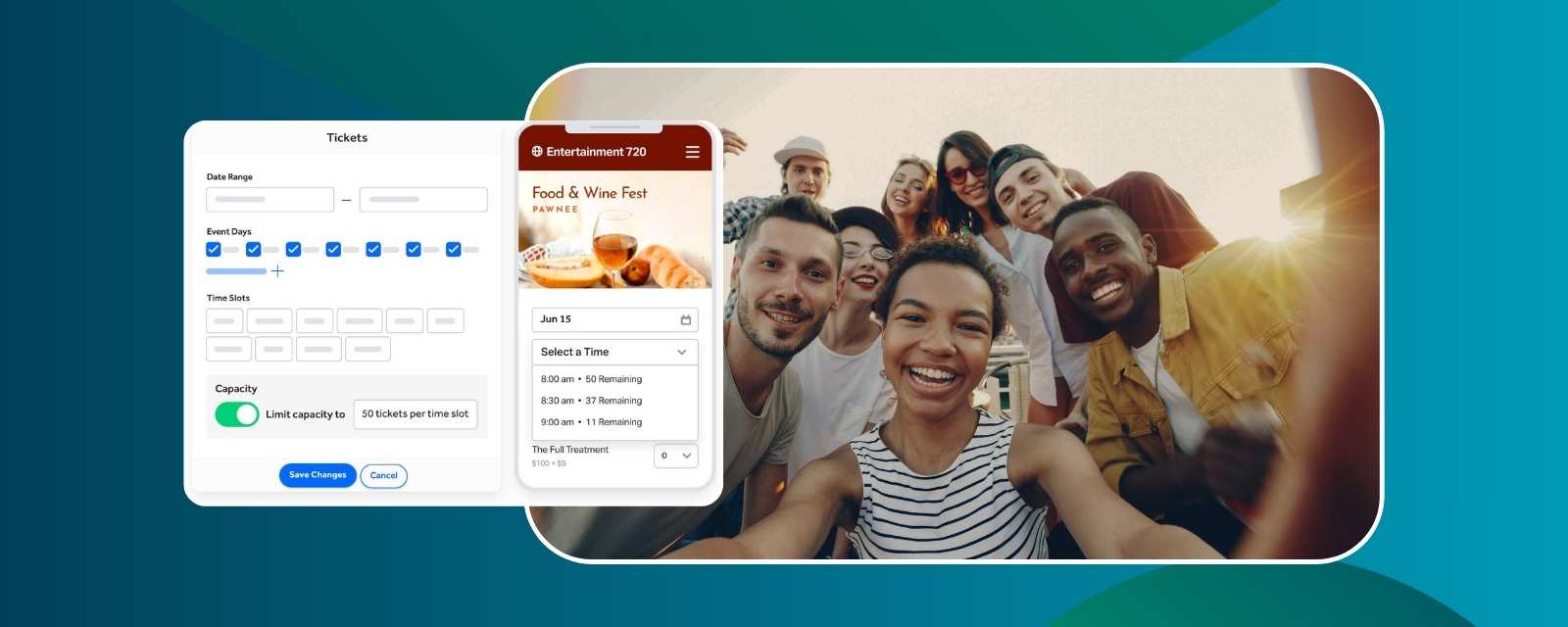
TicketSpice is intentionally built to slot into both simple and complex event ecosystems without adding friction. Whether your event is a one-night show or a multi-day production, TicketSpice gives you the control you need without the price tag that drains your budget. It manages timed entry, upsells, custom logic flows, revenue reporting, and fast check-in across both events and daily operations. And if you’re already using a separate system for vendors, or volunteer management, no problem; TicketSpice plays nicely alongside them. Add low fees, blazing-fast mobile delivery, and powerful capacity tools, and you’ve got the ideal ticketing foundation for any setup.
FAQs
What’s the difference between event management and ticketing software?
Event management handles planning and logistics. Ticketing handles sales and attendee flow.
Do I need both types of tools?
Only if your event has both complex logistics and paid attendance.
Which software type handles attendee check-in?
Ticketing software.
Can event management tools sell tickets?
Some try, but ticketing systems are built specifically for speed, revenue, and seamless access control.
What features should I look for in ticketing software?
Flexible pricing, upsells, capacity controls, analytics, mobile delivery, fast check-in, and low fees.
Can I integrate TicketSpice with event management tools?
Yes. TicketSpice integrates easily with the tools you already use.
What’s the simplest setup for small events?
Usually, just ticketing software is all you need.
What do large events usually use?
Ticketing + event management, each doing what it does best.
Key Takeaways
🔑 Event management software = planning + logistics
🔑 Ticketing software = sales + entry + revenue
🔑 Most organizers only need one, but bigger events often need both
🔑 TicketSpice is the strongest ticketing system to build around
🔑 Choose based on workflow and complexity of your event
If you’re ready to simplify your tech stack and create a smoother experience for both your team and your attendees, you can get started with TicketSpice today, or reach out to our support team with questions.
We’re here to help you have the best event ever!
— The TicketSpice team